

Software Development
9
Mins
Top Mobile App Development Trends to Watch in 2026
Learn about the latest mobile add development trends that are taking over the world in 2026 and beyond.
Location-aware features are no longer “nice to have”. From food delivery and ride-hailing to fitness tracking and hyperlocal discovery, geolocation has quietly become part of our everyday app experience. Most of us don’t think about it, we just expect the app to know where we are, show what’s nearby, and do it without killing our battery.
When location features work well, they feel invisible. When they don’t, users notice immediately.
At Eternalight Infotech, we spend a lot of time studying how successful products approach location not just from a technical lens, but from a user and product perspective. One clear pattern stands out: integrating geolocation in React Native is less about getting latitude and longitude and more about choosing the right method, optimizing intelligently, and respecting user trust.
In this blog, we’ll walk through:
Different ways to build geolocation features in React Native
Popular libraries and when they make sense
Practical optimization strategies that matter in real apps
How well-known products use location in the real world
What we believe is the most balanced, production-ready approach
Let’s get into it.
At its core, geolocation is about determining where a device is in the physical world. Mobile platforms do this by combining data from multiple sources:
GPS for high accuracy (but higher battery usage)
Wi-Fi positioning for quicker, mid-range accuracy
Cell tower triangulation for rough, low-power estimates
React Native doesn’t talk to these sensors directly. Instead, it relies on native Android and iOS APIs, which are exposed to JavaScript through libraries. That’s why choosing the right library and using it correctly matters so much.
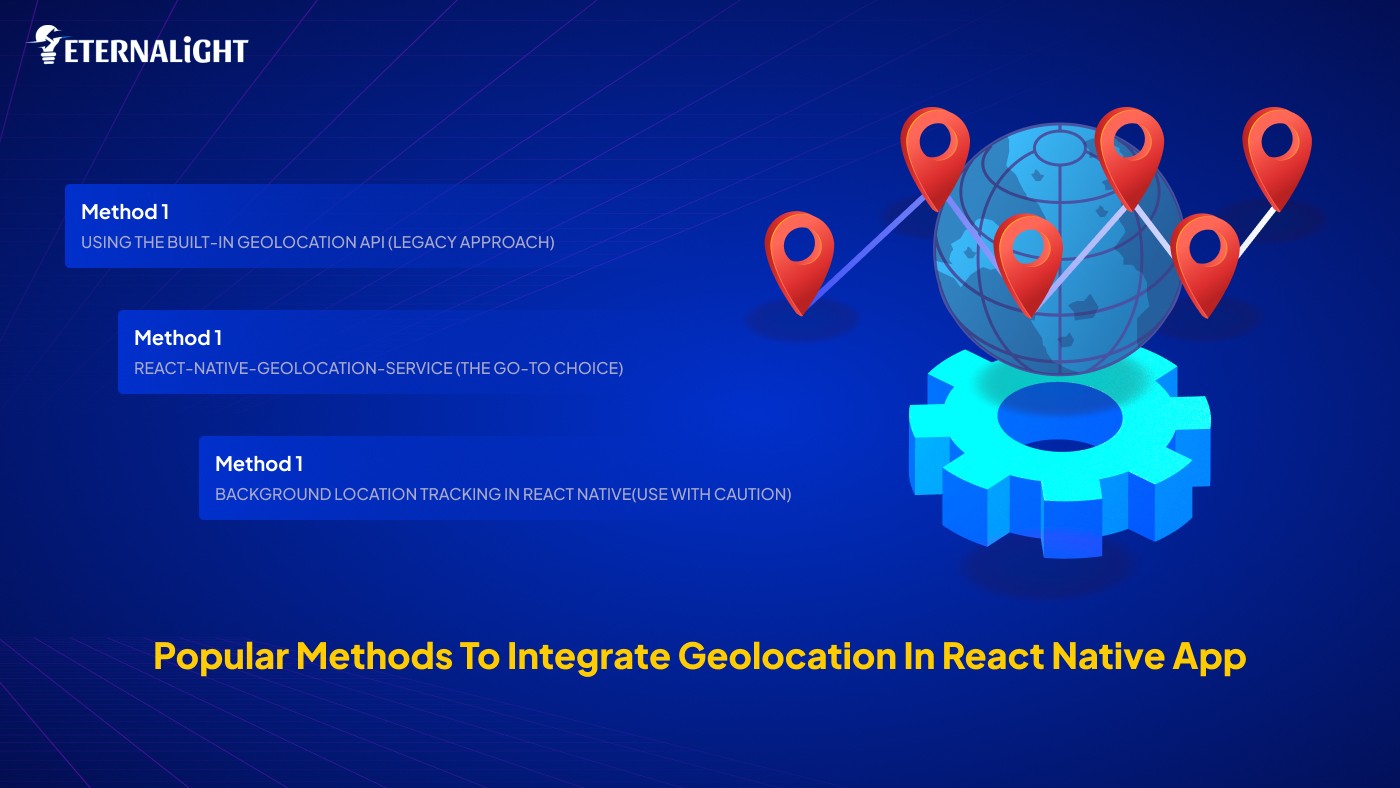
Early versions of React Native exposed location access through navigator.geolocation. While this still works in some setups, it’s now considered legacy and isn’t recommended for modern apps.
Limited control over accuracy and updates
Inconsistent behavior across Android and iOS
Weak background location support
No active maintenance
Quick prototypes
Internal or experimental tools
Apps that only need a one-time location fetch
For most production-grade apps, teams have moved on to more reliable solutions.
react-native-geolocation-service (The Go-To Choice)This is one of the most commonly used geolocation libraries in the React Native app development ecosystem and for good reason.
Uses Google Play Services on Android for better accuracy
Actively maintained
Supports configurable accuracy levels
More predictable permission handling
Fetching the user’s current location
Location-based search or discovery
Periodic updates while a screen is active
High accuracy mode is powerful, but expensive. If it’s left running longer than needed, battery drain becomes very noticeable.
In practice: this library works best when location is fetched on demand, not continuously.
Some apps genuinely need location updates even when the app isn’t in the foreground. Think of:
Delivery partner tracking
Fitness activity recording
Navigation and safety apps
This is where background location libraries come in.
react-native-background-geolocation
react-native-background-actions (combined with geolocation)
Strict OS restrictions, especially on iOS
Higher battery consumption
App store review risks
Complex permission explanations
From what we’ve observed across successful products, background location tracking in React native is rarely the default. It’s usually enabled only during specific user actions and disabled immediately after.
We’ve all seen it: open an app for the first time and instantly get hit with a location permission popup before we even understand why the app needs it.
That’s a fast way to get a denial.
Ask for location only when the feature needs it
Explain the value before triggering the system prompt
Handle every state gracefully:
Granted
Denied
Permanently denied
Provide meaningful fallbacks if location isn’t available
Apps that respect user intent tend to see higher opt-in rates and better long-term trust.

This is where good mobile app geolocation implementations separate themselves from frustrating ones.
Not every feature needs GPS-level precision.
Use high accuracy for navigation or live tracking
Use balanced or low accuracy for nearby listings or city-level data
Instead of tracking all the time:
Fetch location when needed
Stop updates as soon as the task is done
Use sensible distance or time thresholds
If you’re listening to changes:
Throttle callbacks
Ignore very small movements that don’t impact UX
In many scenarios, the last known location is more than enough. Refresh it only when it actually affects the experience.
These small decisions have a huge impact on battery life and perceived app quality.
Read more on React performance optimization to avoid any issues.
Latitude and longitude mean nothing to most users. They want to see:
A city name
A neighbourhood
A nearby landmark
That’s where reverse geocoding comes in.
Google Maps Geocoding API
Mapbox Geocoding API
Apple Maps (iOS-focused)
Many mature apps handle reverse geocoding on the backend, cache results, and avoid repeating expensive API calls unnecessarily.
Let’s look at how location is used in apps we’ve all interacted with.
When you open a food delivery app, it usually knows your area almost instantly. But behind the scenes, it’s surprisingly restrained.
What typically happens:
Location permission is requested when the home screen loads
The user’s location is fetched once to show nearby restaurants
Continuous tracking is avoided for customers
Background tracking is reserved for delivery partners during active orders
This approach keeps battery usage low while still delivering accurate, relevant results.
Ride-hailing apps are a great example of context-aware accuracy.
High-accuracy tracking is enabled only during an active ride
Location updates are frequent while the trip is in progress
Once the ride ends, tracking is immediately scaled back
As users, we feel this as smooth real-time movement without wondering why the app keeps tracking us afterward.
Fitness apps are one of the few categories where users expect background location tracking.
Tracking starts explicitly when the user taps “Start activity”
Location updates run in the background during the workout
Tracking stops the moment the activity ends
Clear user intent makes all the difference here, both for permissions and trust.
Based on patterns across successful products, we at Eternalight generally advise React Native app development teams to default to:
react-native-geolocation-service for foreground location needs
Contextual permission prompts tied to user actions
On-demand location fetching instead of continuous tracking
Server-side distance calculations where possible
Background tracking only when the product truly requires it
This approach tends to strike the right balance between accuracy, performance, and user trust.
If you want to learn more about scaling, cleaning and modernization in React Native apps get assistance.
Integrating location tracking in React Native isn’t just a technical task it’s a product decision.
The best implementations are the ones users barely notice. The app feels fast, relevant, and respectful of their battery and privacy.
At Eternalight Infotech, we believe that learning from real-world usage patterns and designing location features around actual user behaviour is what leads to scalable, reliable mobile experiences.
If you’re planning to add or refine geolocation in React Native app, start simple, optimize early, and let real usage guide how far you go.

Yash Maurya
(Author)
Frontend Software Engineer
Contact us
Send us a message, and we'll promptly discuss your project with you.