AI & ML
10
Mins
The Rise of AI Agents with Gemini: A New Chapter in Intelligent Automation
Discover how Gemini enables AI agents to think, plan, and act in real-world scenarios.
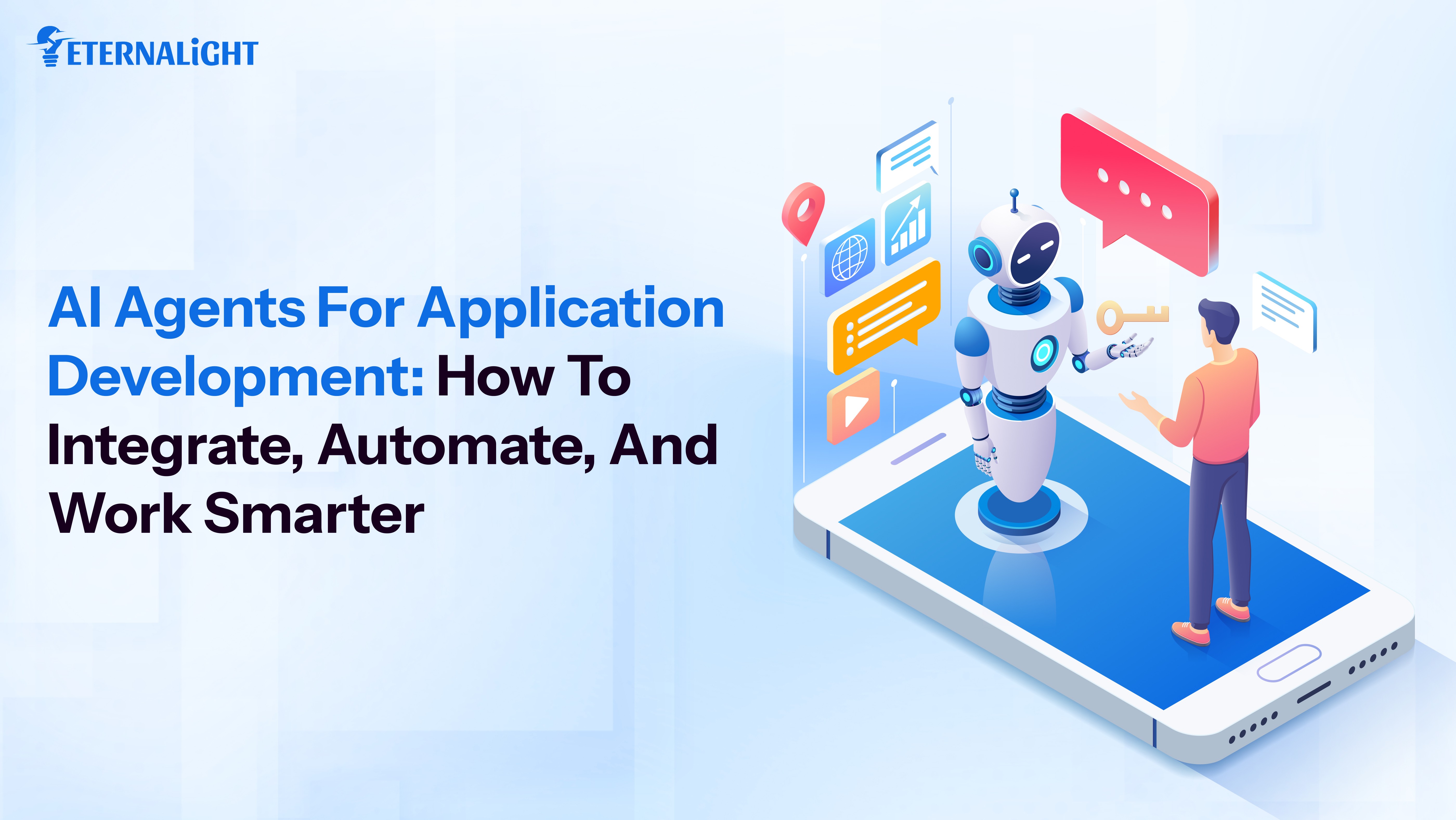
Agentic AI has been on the frontiers of AI technology. As we keep progressing forward in this domain, it is important to sail with the winds of change and learn how Agentic AI can help to scale your business and automate your workflows efficiently.
A developer pushes code and within a few minutes, the tests have run. The security scans happen automatically and list out the vulnerabilities based on priority. This is what building and integrating your applications with AI agents looks like. A workflow that would take you hours of co-ordination now runs by itself, with very little supervision needed.
This article gives you the information necessary to know how to integrate AI agents into existing applications, to use them efficiently and the difference they make to your software systems.
Before choosing or building one, it helps to understand what an AI agent actually is.
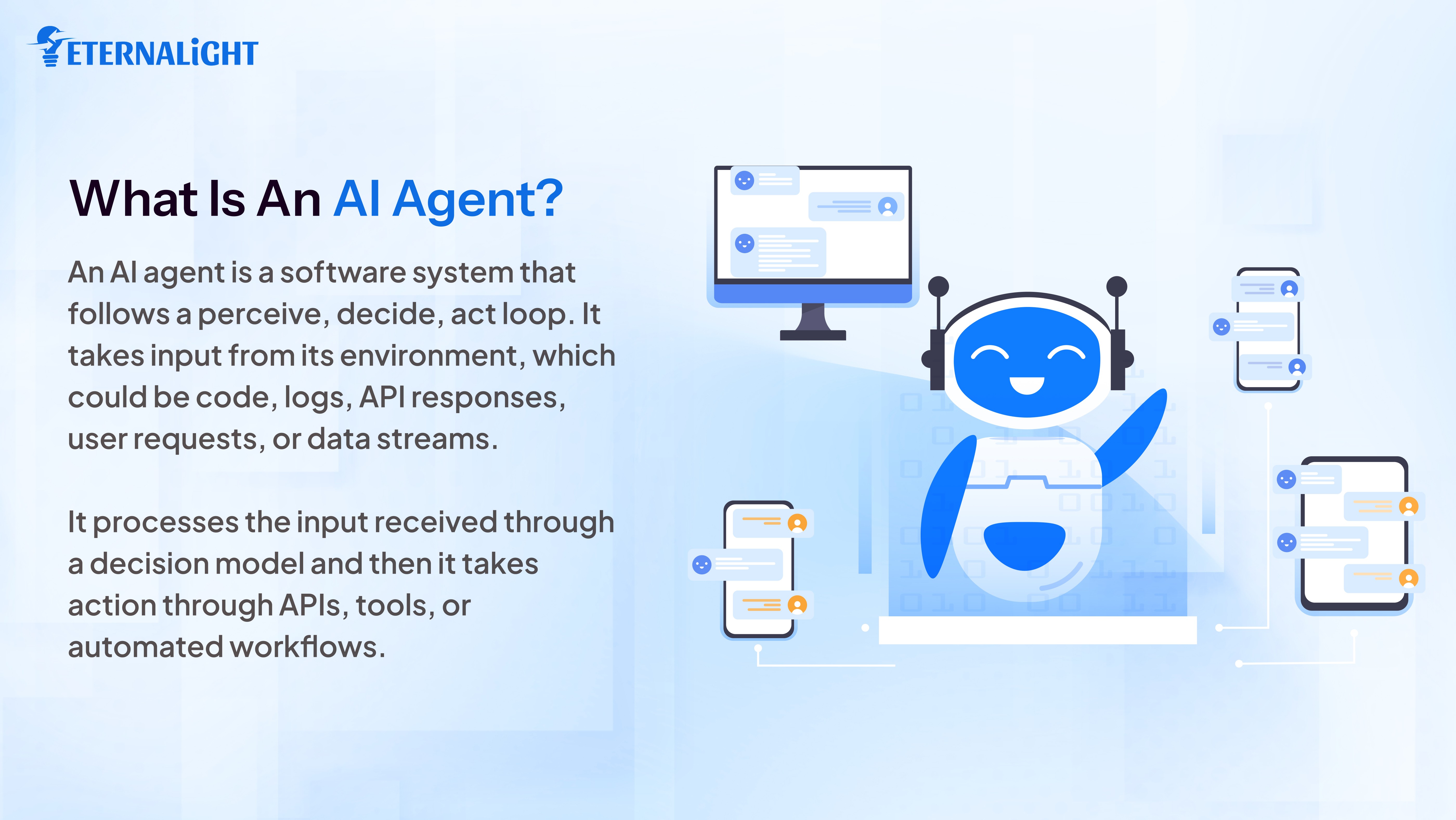
An AI agent is a software system that follows a perceive, decide, act loop. It takes input from its environment, which could be code, logs, API responses, user requests, or data streams. It processes the input received through a decision model and then it takes action through APIs, tools, or automated workflows.
Most agents in production today are built on four main components. The first being a foundation model that handles reasoning. A tool use layer then connects the agent to its external systems. The third component is a memory system that allows it to retain context across multiple steps. Finally, an orchestration framework like LangChain, AutoGen, or CrewAI manages how these components work together and sequence tasks.
An AI agent is now equivalent to your coworker or colleague. You describe the goal to the AI agent, it figures out the steps, executes them, and adjusts if something does not work.
You ask a chatbot whether there is a bug in your code. To an AI agent to find the bug, write a fix, run the tests, and raise a pull request for review. One of them is a conversation while the other is a complete workflow.
Andrew Ng, one of the most reputed researchers in the field, has spoken clearly about what the agentic AI shift means for software teams. He has noted that agentic workflows will drive AI value in ways that are far larger than most people currently expect, and that the shift to agents is one of the most important developments in AI applications.
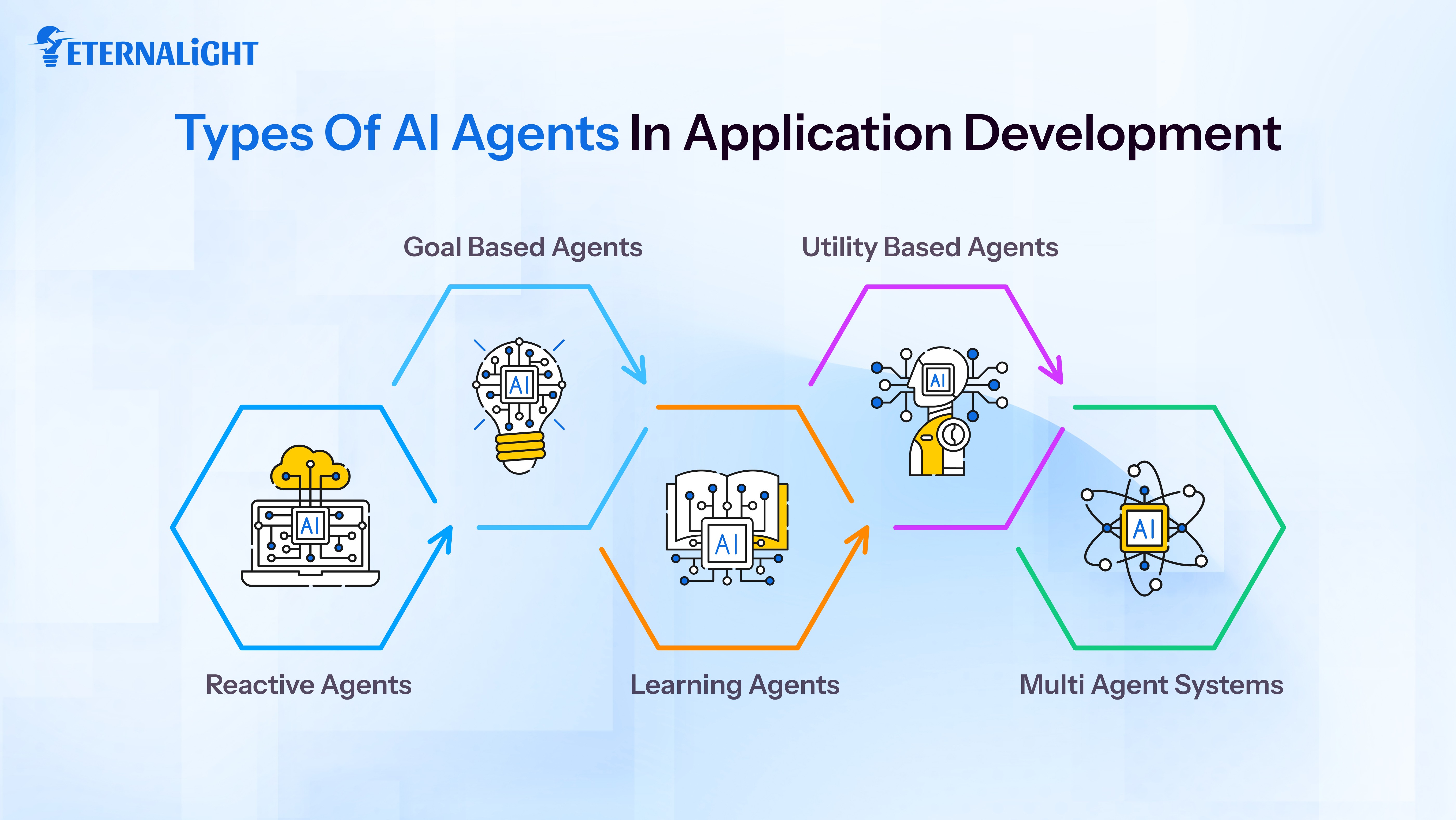
Knowing the different types of AI agents available will help you make the right decision about the agents you need for your business.
Reactive agents respond to inputs based on predefined rules. They carry no memory between interactions and they do not plan ahead. These work well for stateless tasks such as code linting, input validation, formatting output, or sorting incoming bug reports by their severity. Reactive agents are fast, reliable and have clear, consistent rules. If you have ever used an AI powered code formatter, you are already aware and have worked with a reactive agent.
Goal based agents work towards a definitive objective or plan. This agent plans the steps ahead, executes them in order, and adjusts the plan if something goes wrong. These types of agents are widely used for test automation, deployment pipelines, and CI/CD workflows. A goal based agent can take a user story from your backlog, read its requirements, generate the required unit tests and write an initial implementation. It will also run those tests, file a report on what passed and what needs human review.
Learning agents improve over time using feedback and historical data. Security anomaly detection tools, recommendation engines and performance monitoring systems are some examples of these. They rely on learning agents because the patterns they deal with are too complex and variable. The more data they process, the more accurate they become.
This is one of the strongest applications of AI in software development because the patterns the agents need to detect keep changing.
Utility based agents evaluate multiple ways and actions to reach a goal and choose the one most likely to produce the best or correct outcome based on a scoring function.
They are most useful when the decisions come with trade offs. Let’s say your team is ready to ship a new feature. A utility based agent will evaluate three different deployment options against your server load, recent error rates, and cost. It picks the best option, and hands over that decision to your team.
Multi agent systems split a complex workflow across several specialized agents that can communicate and hand off tasks to each other. One agent might parse requirements. Another one writes the code, while a third one runs the tests. Together they complete work that would be too large or error prone for a single agent to manage.
Most application development teams using AI in enterprise settings usually combine two or more of these agent types. Real workflows are rarely simple enough for just one. But with the help of multiple agent systems, you can streamline and ease your workflow tasks.
There is a certain category of work in every engineering team that takes time and is repetitive to no end. Take for example, writing regression tests for every new endpoint or running the same security measures on every build. It is important and necessary work, but follows patterns and patterns can always be automated.
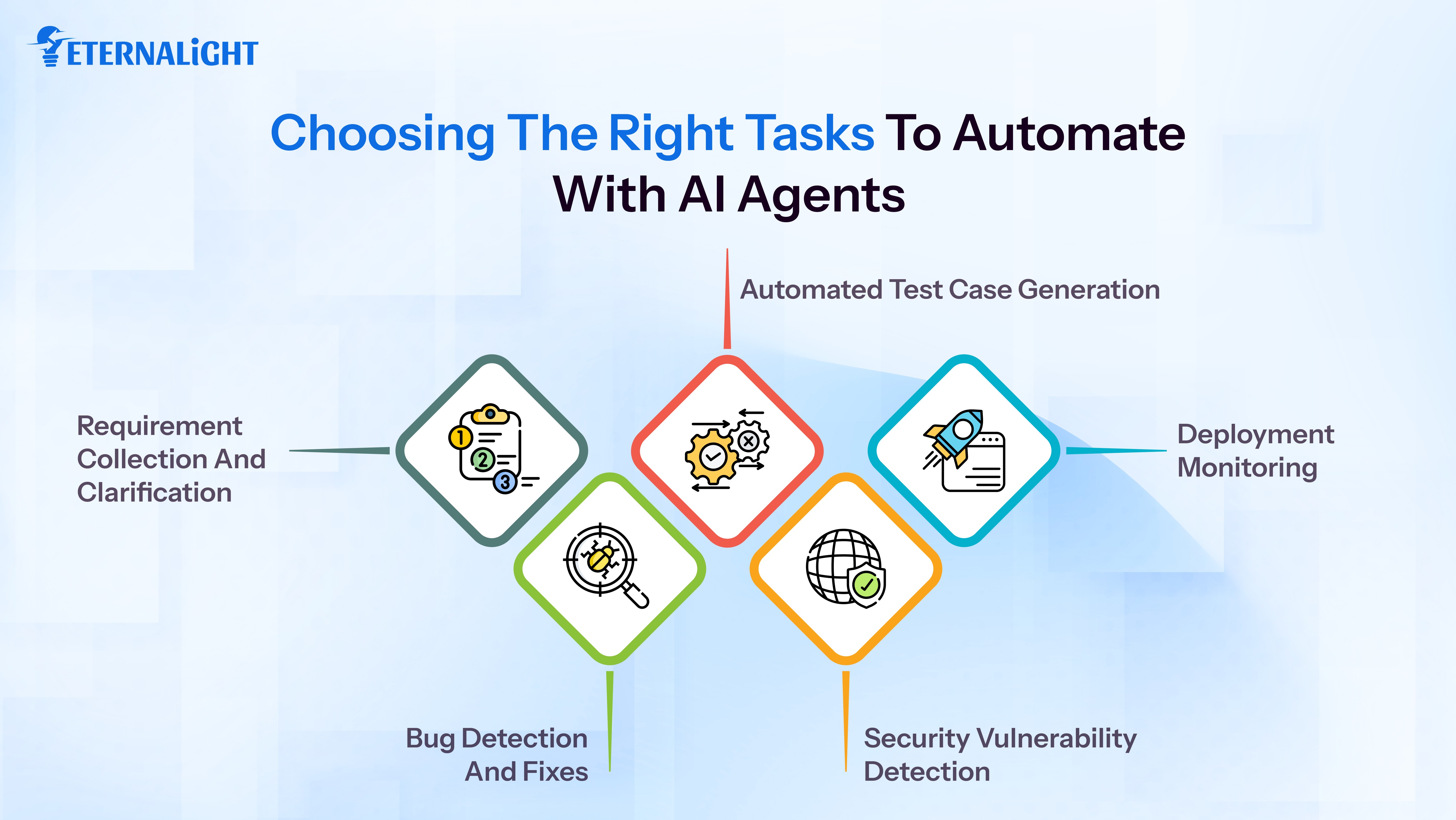
This is where AI agents for app development come into place. Here are some of the tasks you can automate with the help of AI agents in your application:
Requirement collection and clarification: An AI agent reads a new ticket, identifies where the requirements are ambiguous and unclear, cross references related tickets, and generates clarifying questions that help improve the requirements needed and make it easier to collect them.
Bug detection and fixes: An agent that monitors error logs continuously, can correlate a spike in errors with a recent commit. It can also identify the likely causes, and its next step is to draft or come up with suggestions for a fix that an engineer can review and approve.
Automated test case generation: Every time a new API endpoint is merged, an agent can generate a full test suite including the edge cases and add it to the coverage report. No one has to schedule it, it becomes an automated task and saves time.
Security vulnerability detection: After every build, a learning agent scans the dependency tree for known CVEs, checks for hardcoded credentials, and evaluates authentication logic against OWASP standards. It produces a prioritized report and helps perform the required security measures needed.
Deployment monitoring: After every release, an agent tracks error rates, latency, and user facing metrics. If predefined thresholds are crossed, it rolls back automatically. It keeps track and monitors your deployment releases.
GitHub's research on Copilot found that developers using AI assistance completed their tasks 55 percent faster. That number will keep on growing as more developers use AI agents for entire workflow tasks instead of small individual tasks.
What parts of your application should you integrate your AI agents into? There are three main places you can integrate them in your application:
Connecting an agent to your CI/CD pipeline is one of the fastest and easiest ways to see results. The agent runs automatically on every code push. It checks for security vulnerabilities and generates test cases for the changes introduced. It reviews pull requests for common issues, and also creates documentation as a byproduct of the development process.
LangChain, CrewAI, and AutoGen are some solid frameworks for building these types of workflows. Teams on cloud infrastructure can use Amazon CodeWhisperer or Google Gemini Code Assist. Both of these integrate well with existing setups and don't require heavy configuration.
Some teams integrate AI agents directly into the products they build. This is becoming increasingly common as user expectations increase and the need for a seamless interaction with the product becomes necessary. This is where AI agents for app development show direct and visible value.
An agent in a customer support layer can handle routine requests, escalate complex cases to a human, and improve over time based on how resolutions play out. Almost all big organizations have started using AI as primary customer support agents. Take an agent inside a project management tool. It can track dependencies, find the blockers early, and suggest what needs to be prioritized based on deadlines and team capacity. Most modern application development services are built on API first architectures, which makes connecting agents to the existing product features practical.
When the already existing agents do not match your process, building a custom agent makes sense. This matters most for teams with proprietary data, compliance requirements that limit third party tooling, or workflows incompatible with a general purpose framework.
Custom application development agencies can build one for you based on your needs. This requires training the agent on your data, designing its decision logic around your use case, and integrating it with your infrastructure from day one. The investment is higher upfront. But you get a system that fits your workflow rather than one you have had to reshape your process to fit.
Remember that you do not need to rebuild your stack to get started with AI agents integration. Most teams integrate agents into the existing application and expand from there.
Start with a workflow audit. List every recurring task your team handles across a typical sprint. Mark the ones that are rule based, repetitive, and have a clear definition of success.
Next, match the agent type to the task. You can either choose a single agent or use multiple agents based on the complexity of your task. Then you integrate at the tool layer.
Every agent needs a clear picture of what good output looks like. What makes a test suite complete? What threshold triggers an anomaly alert? Agents are only as useful as the clarity of the goal you give them.
The most effective setups in enterprise application development services use agents to prepare and recommend and humans to approve before anything gets merged or deployed.
Treat your agents like junior team members. Review their output regularly, give them structured feedback, and track the quality over time. The more time you invest, the better the agents get.
Building a minimum viable product requires you to build something structurally sound but within a specific time frame. AI agents might help you save precious time when it comes to MVP development. A small team with the right AI agent tooling can now build and validate an MVP in a timeline that used to require a much larger team and resources.
They can help with the boilerplate and scaffolding. Project setup, folder structure, configuration files, and basic CRUD endpoints can all be generated from a requirements document in minutes. An agent assigned for these tasks can help you automate the routine and monotonous work.
You can also use it for database schema generation. Give a description of your data model, and the agent produces a working schema, migration files, and seed data ready to go. An AI agent for testing ensures that basic tests for each endpoint are generated and run automatically, documentation can also be made by agents and reviewed by humans.
What parts shouldn’t be automated and left to the engineers? Architectural decisions that affect long term scalability and integrations with third party services, UX decisions that depend heavily on user behaviour. The final review of every decision and automation should also be done by the team or an engineer. Agents will help you handle the volume but the engineers handle judgment.
The teams getting ahead with AI agents are not replacing engineers or uprooting their entire workflow for AI transformation. They are being deliberate with the changes they bring and what their engineers spend time on.
Work that follows a pattern can easily get automated but work that requires judgment stays with the team. Building applications with AI agents is not a rethinking of how software development works but a smarter workaround to saving time and necessary resources.
Start with one automation. Pick the most repetitive and safe task to hand over to an AI agent. You will notice the difference it brings to your development process. Over time, you can include more AI agents when and necessary, and keep your application up to date with upcoming technologies.

Gauri Pandey
(Author)
Technical Content Writer
Frequently Asked Questions
Contact us
Send us a message, and we'll promptly discuss your project with you.