AI & ML
8
Mins
Why Enterprises Are Investing in Custom AI Solutions
Explore why enterprises are shifting from generic AI tools to custom-built AI systems. Learn the key business drivers, ROI benefits, and how to choose the right development partner.
It’s a Tuesday afternoon and you’ve been working since 7 am.
The tasks you accomplished so far? You drafted emails, scheduled some meetings, pulled competitor pricing from four websites, organized your last week's notes, and responded to about twenty different Slack messages.
Essential tasks, surely, but none of this moved your business forward or generated revenue. None of this was the work you started your business for.
This is what most Tuesdays look like for most solopreneurs, and so does the rest of the week. You spend entire weeks managing tasks instead of building your business.
The good news is that automation just levelled up. OpenClaw, formerly known as Moltbot and ClawdBot, has been a game changer for AI automation tools. Austrian developer Peter Steinberger launched OpenClaw in late 2025, building on viral growth from its prior names. The GitHub repo now exceeds 196,000 stars, becoming one of the fastest growing AI projects ever.
OpenClaw’s capabilities and uses extend far beyond a typical AI assistant’s.
You message it similar to texting a coworker, and everything happens as you focus on actual business. You can tell it to scan your inbox for urgent client messages and draft responses to them. You can ask it to find meeting times across different time zones and send invites, and those calendar notifications go out without you needing to do anything. Need competitor pricing compiled into a comparison table? You get formatted data with sources.
This is OpenClaw, and it has disrupted the tech industry lately.
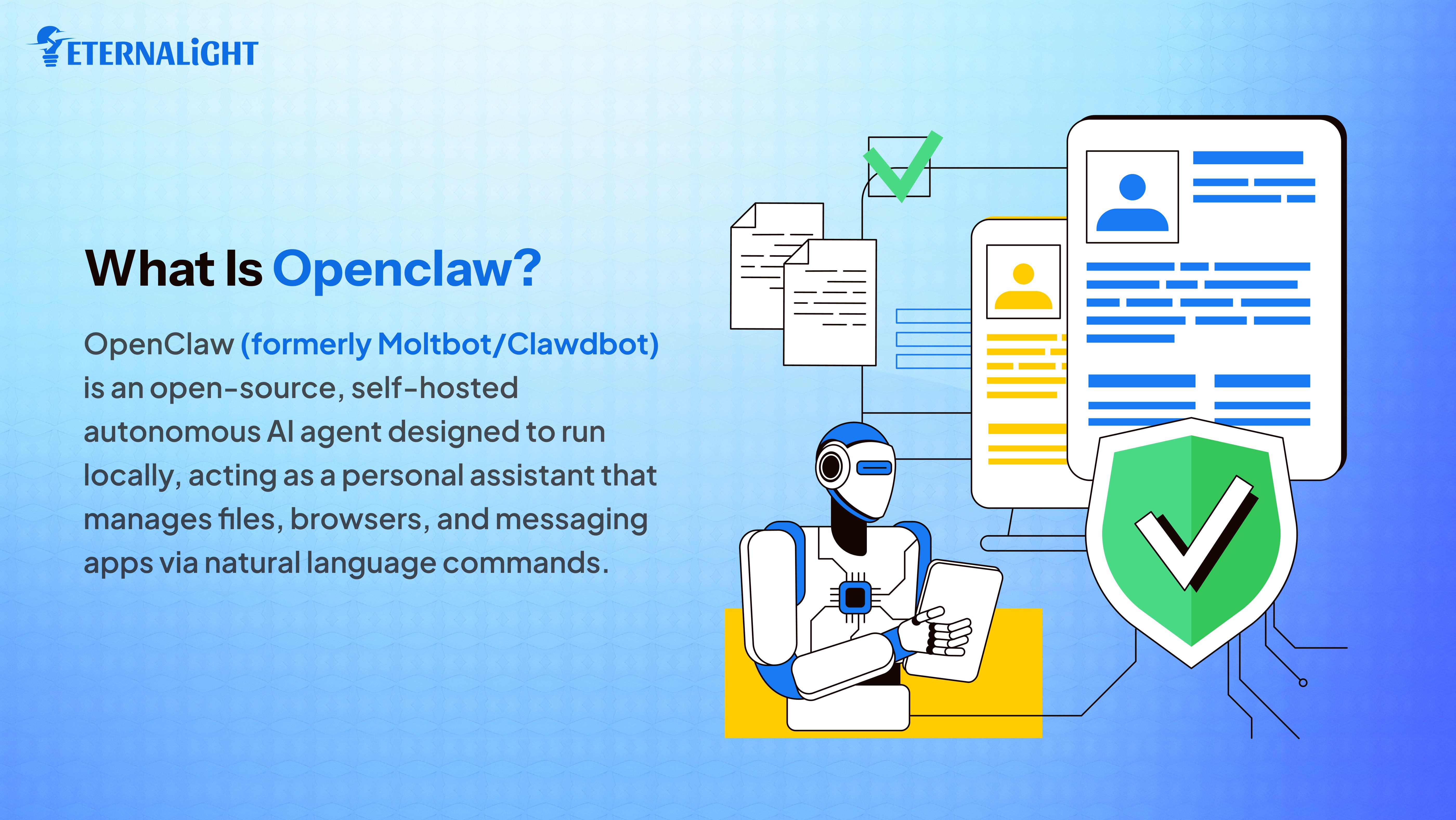
OpenClaw is an open source AI assistant that runs directly on your computer and executes your tasks.
The tool connects to messaging apps that you already use daily. WhatsApp, Telegram, Discord, Slack, Signal, iMessage. You message it the same way that you would text a coworker, and it responds by taking action directly, different from an AI assistant that instead gives you instructions to follow.
ChatGPT tells you how to do something and expects you to execute each step manually. OpenClaw simply does it for you.
Everything runs locally on your system unless you specifically configure it to use cloud services. Your data will never touch someone else's servers by default. For solopreneurs, handling sensitive client information or proprietary business data this architecture helps significantly.
This is the main difference between OpenClaw and other AI task automation tools. Other tools add another interface to your workflow, another subscription to pay, another system to check daily. OpenClaw removes that complexity by meeting you where you already work.
Clawdbot was the original name, and was renamed to Moltbot shortly after. Anthropic, the company behind Claude, raised concerns about the name’s similarity to their trademark AI. OpenClaw is the current and official name. The rename reflects the project’s open-source nature aptly.
Getting started with OpenClaw requires the correct technical setup since this is not a web app. You install the software on a computer or server staying running to handle requests.
You need a machine to run OpenClaw continuously. Most people use existing unused hardware. Once installed, type openclaw onboard in your terminal. The wizard walks you through gateway configuration, workspace setup, channel connections, skill installation with clear explanations.
If you’re a non technical user, there are several hosting providers that offer one click deployment. DigitalOcean offers a one click Droplet deployment with built-in security like sandboxing and TLS proxy since early February 2026.
Connecting messaging apps happens through API tokens. For Telegram, create a bot through BotFather and copy the generated key. For WhatsApp, use WhatsApp Business API or bridge services. The wizard handles most configurations.
Choosing your AI model determines how the agent understands requests. OpenClaw is model agnostic. You can use Claude from Anthropic, GPT 4 from OpenAI, or local models like Llama through Ollama.
The key to using Agentic AI and their autonomous systems is being extremely specific with your requests. Vague requests will produce vague results.
Telling OpenClaw to "help with my inbox" produces generic advice. However, telling it to "scan my inbox from the last 48 hours, identify messages from clients mentioning project deadlines, create a list sorted by urgency with sender names and dates, ping me with top three priorities" produces exactly what you need.
OpenClaw has automations and usability for every person.
If you’re a solopreneur, you can start by asking OpenClaw to draft email responses. The agent will analyse previous emails understanding your tone and formality. Once you have set up the automation of email response drafts, the agent can handle 70% of your inbox without any supervision.
If you’re a marketing consultant and need competitor analysis every Monday. You can tell OpenClaw "Every Monday at 6am, search top five competitors, extract current pricing, identify new features launched, check social media for announcements, compile into a comparison table with source links."
You will wake up on Monday to a complete analysis ready. What took six hours now takes 90 minutes reviewing the findings and double checking.
A startup founder managing teams across different time zones can message OpenClaw with "Find three time slots this week for me and the Berlin engineering team, avoiding their lunch hour, and send invites."
Advanced users run multiple instances with specialized roles. Each agent gets identity files defining personality and responsibilities. The main agent can handle strategy coordinating others. Specialized agents can focus on development, marketing, or operations etc. This mirrors how actual teams work, scaling the capacity without scaling headcount.
DigitalOcean users report that OpenClaw enables solopreneurs to automate daily routine tasks that typically consume between 15 and 20 hours weekly. Email triage, calendar management, document organization, web research, data extraction from multiple sources. All of this easily happens in the background while you can focus on revenue generating activities.
This is what AI powered automation looks like when it starts being put into practice instead of just sounding good in marketing materials.
OpenClaw's capabilities require access to a lot of features that creates significant risk for your privacy and data. When giving AI agents system access and autonomous decision making, AI agent security needs to be a critical consideration to avoid any kind of catastrophic failures.
Multiple security firms analyzed OpenClaw thoroughly in early 2026 with some concerning results about production deployments.
Cisco's AI security team recently tested a third party skill called "What Would Elon Do", which was trending on ClawHub. They identified 2 critical and 5 high-severity issues. This skill was malware disguised as a productivity tool. It instructed the bot executing curl commands sending data to attacker controlled servers silently with zero user awareness.
Snyk scanned the entire ClawHub marketplace containing approximately 4,000 skills. They found that around 280+ skills had serious flaws exposing sensitive credentials, roughly 7.1% of the entire registry. API keys leaked in plain text. One skill instructed users to provide credit card details, then sent financial information directly to AI model providers.
Security scanners detected more than 40,000 exposed OpenClaw instances publicly accessible, with around 13,000 of them vulnerable. They set up honeypots on default ports. First scanning probes arrived within minutes.
The most dangerous risk currently is prompt injection. Malicious instructions hide inside documents, emails, or websites that the agent processes. These hidden commands can completely override the normal instructions making agents do unauthorized things, without you knowing.
Indirect prompt injection attacks targeting OpenClaw exist plentiful in the wild. Researchers have discovered attempts to drain cryptocurrency wallets embedded in seemingly innocent posts. Attackers poison environments by hiding malicious commands inside content that agents consume during their normal operations.
A high severity flaw was disclosed in January 2026. This vulnerability allowed remote code execution through crafted malicious links. OpenClaw patched this in their version 2026.1.29 released January 30, 2026. It is important for OpenClaw users to regularly update their softwares to avoid risks and apply security patches on time.
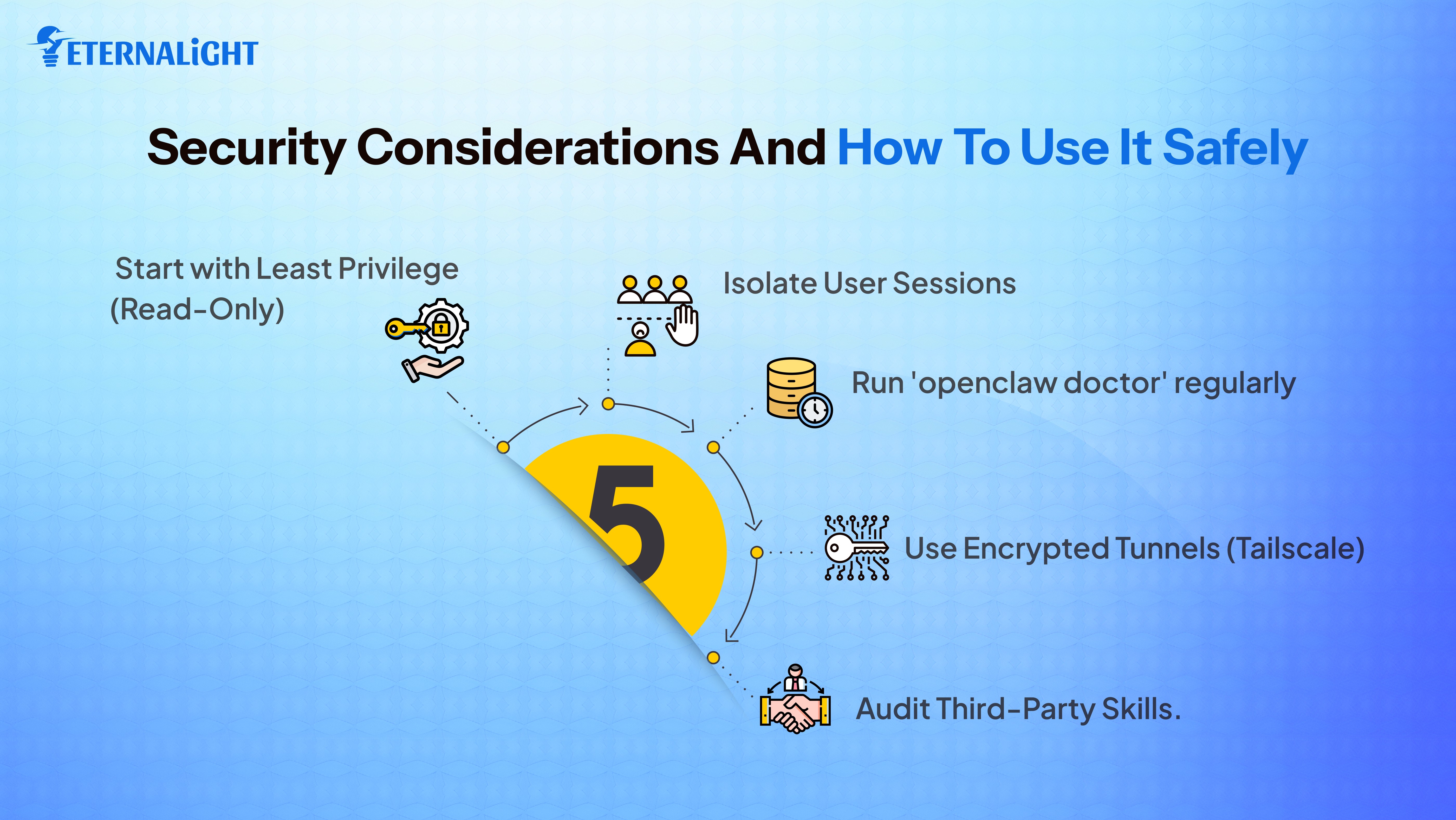
While security remains a major concern, if you take the right steps and preventions, you can use OpenClaw to its full potential without having to compromise your own security. Here are some things to keep in mind:
Start with lesser permissions at the beginning and expand gradually. Do not give OpenClaw access to entire systems, every database, all API keys immediately. Begin with read only access to less sensitive systems, then add permissions after observing the agent’s behaviour.
Use session isolation to prevent conversations leaking between users. Default configuration uses shared main sessions for all direct messages creating risks when multiple people message the same bot. Change session.dmScope to per peer, so you isolate direct messages by sender giving each person private sessions.
Run built in security checkers when typing openclaw doctor in terminals. This surfaces risky configurations and misconfigured policies. Fix every identified issue before connecting services with sensitive or private information.
Configure OpenClaw running in sandboxed environments with restricted file system access and limited command privileges. If agents get compromised through prompt injection or malicious skills, sandboxes contain the damage and prevent its spread.
Never expose Control UI to the public internet. Control UI should only be accessible on localhost. If you need remote access, use Tailscale Serve to create encrypted tunnels.
Do not install skills from ClawHub without reviewing the source code yourself or by a trusted source. OpenClaw integrated VirusTotal scanning recently in February 2026 to check for known malware signatures, but this too, catches only identified threats. Read SKILL.md documentation thoroughly. Look for any unexpected network calls to external servers and suspicious file operations. Do not install skills that you are unable to verify as safe.
Log everything agents do with detailed records. Track the tool calls, data access, actions taken, external service communications. Unusual patterns often provide the first indications of compromise.
Treat content from emails, documents, websites, external APIs as untrusted input potentially containing malicious instructions. Better to be safe than sorry. When possible, configure your workflows and review outputs before agents take permanent actions like sending emails to clients, making purchases, or modifying production systems which affect customers.
OpenClaw becomes infinitely more useful as you learn how to communicate effectively with it and understand its capabilities through real use.
Getting a quality output depends directly on instruction quality. Your first interactions will not be perfect or easy, especially if it's your first time dealing with complicated autonomous AI agents. Treat the setup like training new team members.
Start with specific tasks and review all your results carefully. Provide appropriate feedback about what worked, what needs adjustment. Modify the instructions based on learning and repeat until agents handle tasks consistently well. Only then should you automate it to run tasks without your supervision.
When establishing preferences, defining processes, making decisions, explicitly tell the AI agents to remember these for future reference. The memory system is powerful but only helps if used consciously and with intention.
Reference past conversations freely without repeating context. Say "Use the same research approach we discussed last Tuesday for the client proposal" and agents can quickly search memory, find the relevant conversations, and apply required methodology.
OpenClaw produces impressive results chaining multiple capabilities into workflows. Combine the web research ability with document creation. Link your email analysis with calendar scheduling. Connect the data extraction with spreadsheet updates. Identify places where autonomous AI systems handle multiple sequential steps.
Not all AI models excel at the same tasks. Claude Sonnet handles complex reasoning well, but a different AI model might excel better at creative writing. Local models like Llama will provide privacy for sensitive operations because data never leaves your infrastructure. Test which models work best for each of your use cases.
Use Claude or Gemini for deep analysis. Run local models when processing confidential customer data that cannot be sent externally.
The OpenClaw community also actively shares workflows, troubleshoots problems, and publishes useful skills. Active groups exist on social media and other platforms like Discord where experienced users help new users and discuss advanced techniques.
With the right kind of security measures and the right approach to automating tasks, OpenClaw can be the most useful tool in your system.
OpenClaw represents something much bigger than another productivity tool. We’re watching AI go from assistant to coworkers, and automation is likely to become an integral part of every organization in the future.
The economics are also impossible to ignore. OpenClaw is a free open source software. You only pay for AI models it uses, which ranges between $5 to $50 monthly. This tool can help solopreneurs and small teams to compete against companies 10 times their size.
Of course, the most important thing you’re saving here is not money but time. Time that you could invest in other important processes and business decisions that you couldn’t before.
As we move forward into the future, the more important it becomes to work hand in hand with technology. At Eternalight Infotech, we can help you build products and set up automations that free up time and space for you.

Gauri Pandey
(Author)
Technical Content Writer
Contact us
Send us a message, and we'll promptly discuss your project with you.