AI & ML
10
Mins
The Rise of AI Agents with Gemini: A New Chapter in Intelligent Automation
Discover how Gemini enables AI agents to think, plan, and act in real-world scenarios.
Imagine the scenario where you can give a prompt and have the whole project roadmap and a ready-made UI on your screen in a few minutes.
Sounds great!
Recently, Google launched an interesting platform to take the load of multiple project tasks off developers' shoulders, giving them relief from planning the development phase, implementing, writing, testing, and debugging code. It's an upgraded version of intelligence Gemini 3 pro as an IDE.
We are talking about Google Antigravity, which has just lifted the bar of development. Beyond the editor or chatbots, it’s a full-fledged agent-first interface experience that can access the code editor, terminal, and browser, and takes autonomous responsibility for creating agents.
Available for Linux, macOS, and Windows for free, it's just launched, so it's not yet available for enterprise or teams. Read it till the end to know more about how it works in the real world and how it is better than a cursor or an AI app development tool.
Initially, whether they were beginners or professional developers, they used tutorials, programming websites, or Stack Overflow to enable rapid development. From there, they get the suggestions, hints, and code to implement in their project.
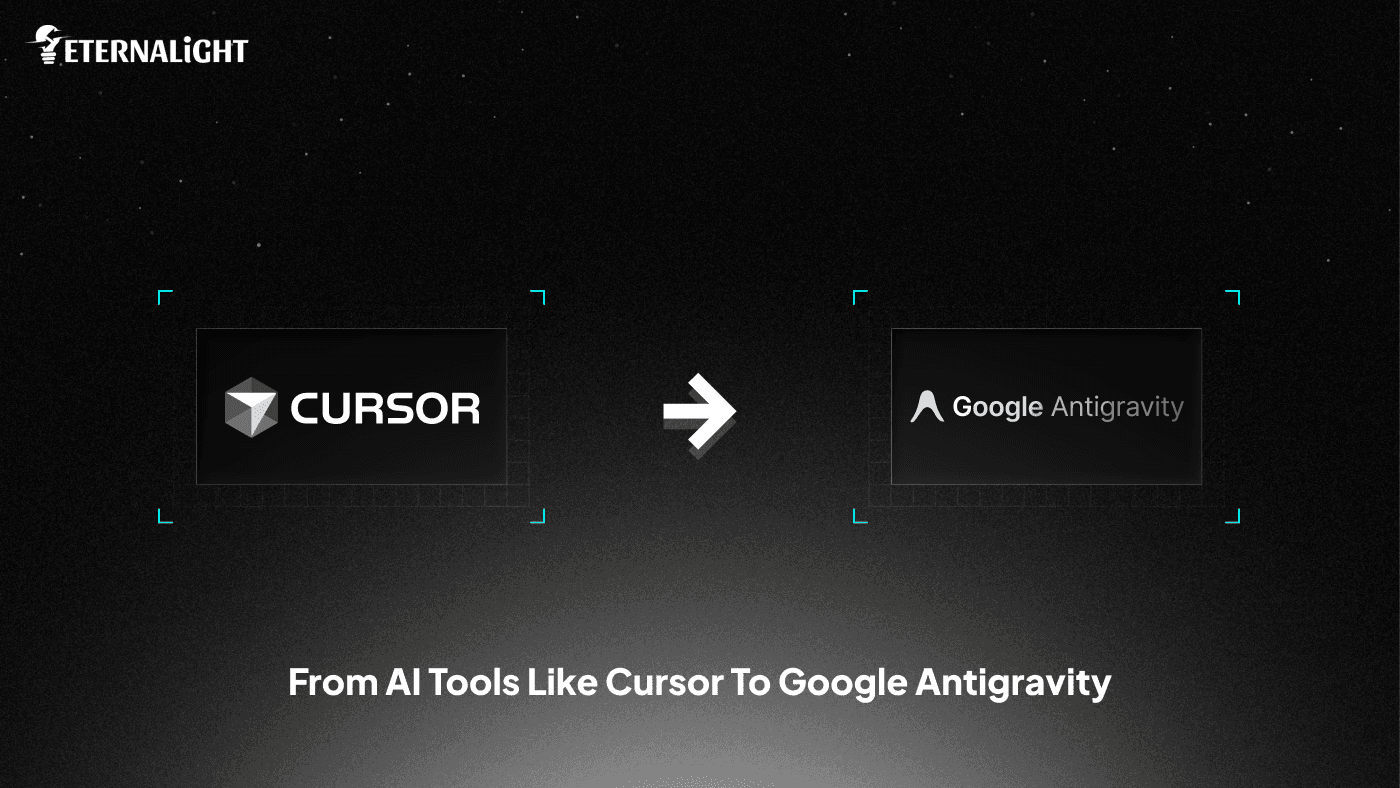
Also, there were some AI coding platform tools, such as Lovable and Cursor, that have improved the efficiency and productivity of development tasks.
ChatGPT was released in 2022, marking a notable shift and evolution in the world where users can provide prompts and receive code snippets to build any project.
Now with the launch of Google’s Gemini 3 Antigravity, things will get more AI sophisticated as we don't need to use any other IDE and copy paste code. We can plan and deploy end to end through autonomous agents. What is best with this upgraded version:
Natural Language code commands
Intuitive Task-based Approach
Configurable context aware cross surface agent
Let's discover what's more for developers!
When we said that prompt engineering is an emerging trend, it was not wrong, as nowadays, from fintech to software development, everything has its aspect. Google Antigravity and the collaboration of Razorpay, NPCI, and OpenAI are examples of how the world is evolving with Agentic AI, where agents have their own workspace to perform tasks autonomously.
Antigravity has two main integrations:
Google Open Browser: It is responsible for testing the project and debugging autonomously
Google Open Agent Manager: Can work on multiple projects at the same time
There are three simple steps to deployment to do in Google Antigravity’s editor:
Give it a prompt
Prepare a roadmap
Select planning mode or fast mode and continue deployment, review, and debugging.
Finally, you got your project in your inbox. Next, take a glance at its use cases, then move on to the mechanism of Google Antigravity.
Google Antigravity has three core use cases that are mentioned below:
Professional: Enabling the mission control interface for research, storing backlogs, and minimizing context switching frequently.
Frontend: Receive visual feedback and in-browser iteration to release an intuitive, interactive, responsive frontend
Fullstack: Establish trust in users, enabling communication verification via visual Artifacts
Learn more about it in the section below to access it.
Complex projects have tighter deadlines, but have less time to finish and get them ready for release. In that case, it is obvious to lose calm and be unable to focus on how to match the mockups to get the desirable outcome.
No worries if you clear objectives or have a Figma file containing the design to initiate the build.
In that case, Google Antigravity can manage the workflow effortlessly without synchronous human involvement, handling requests, reviews, and delivering results by dispatching autonomous agents for all tasks.
Let's get to know how Google Antigravity functions:
Head on to the interface of Google Antigravity.
“First, confirm what you want to build: a food industry app, a fintech app, or a travel app.
You need to include a prompt where you can mention the features, the frontend framework you want to use, and the backend framework for the database.“
When you hit the arrow,
Users can shift to planning phase mode or speed up development by entering fast mode.
It will analyse the structure and provide a blueprint for working on the project. Furthermore, it provides a step-by-step implementation plan side by side; it starts working on the project, following the structure and initiating frontend and backend parts.
Users can leave comments on features, packages, or APIs that should be integrated into the project, then click the review button.
It will create separate folders for each part.
Track the project's progress in the Google Antigravity IDE.
When the project is completed, the user will notify the status of delivery in their inbox.
You can test the project in the browser. If it finds an error, then it starts debugging itself. Can give another prompt to check if anything isn't working with your application, such as styling or functionality. It is possible to modify the functionality, the interface styling, or anything you want. Define in prompt, accept the changes, and run the project.
Of course, till now, Lovable, Cursor, and other AI tools have ruled the developer stack, but the transformation and evolution are constant, so it's happening with this Google Antigravity.
To ease understanding of what's better with Google Antigravity and where Cursor takes a back seat, we have included a table that highlights the key differences.
Google Antigravity | Cursor |
Fully agentic IDE that autonomously plans, builds, tests, and debugs | AI-assisted code editor where the user stays in the loop |
Has editor, terminal, and browser with autonomous control for end-to-end deployment | Needs manual setup for external tools beyond the editor |
Auto-generates structured project roadmaps and workflow | AI agents only assist but the main plan is defined by user in detail |
Autonomous UI iteration, screenshots, and walkthroughs are generated via visual artifacts | Tedious to verify the long project work through manual logs review, visual artifacts absent |
Switch to the new project while the debugging(maintenance) is on for the previous project | Can't switch or it will begin confusion and a messy situation. |
Doesn’t need human intervention to review and validate the work, and offer feedback or delivery of project | Can’t save work for future projects; it focuses on the ongoing project, no long term support memory |
It has just launched, but our development team at Eternalight Infotech was impressed by its accessibility and is planning to integrate it into our development work.
If anything interesting or update-related to this comes up, we will post here!
No more scrolling to check the test logs or what’s wrong with the UI. Here, Google Antigravity can optimize the deployment workflow for current and future work projects by self learning the agent's first interface.
Allowing midway commenting to modify the changes without interrupting the ongoing project, you can initiate the new one.
Go and download Google Antigravity for your Windows, Linux, and macOS, and release the project faster for your clients.

Ayushi Shrivastava
(Author)
Senior Content Writer
Contact us
Send us a message, and we'll promptly discuss your project with you.