Software Development
7
Mins
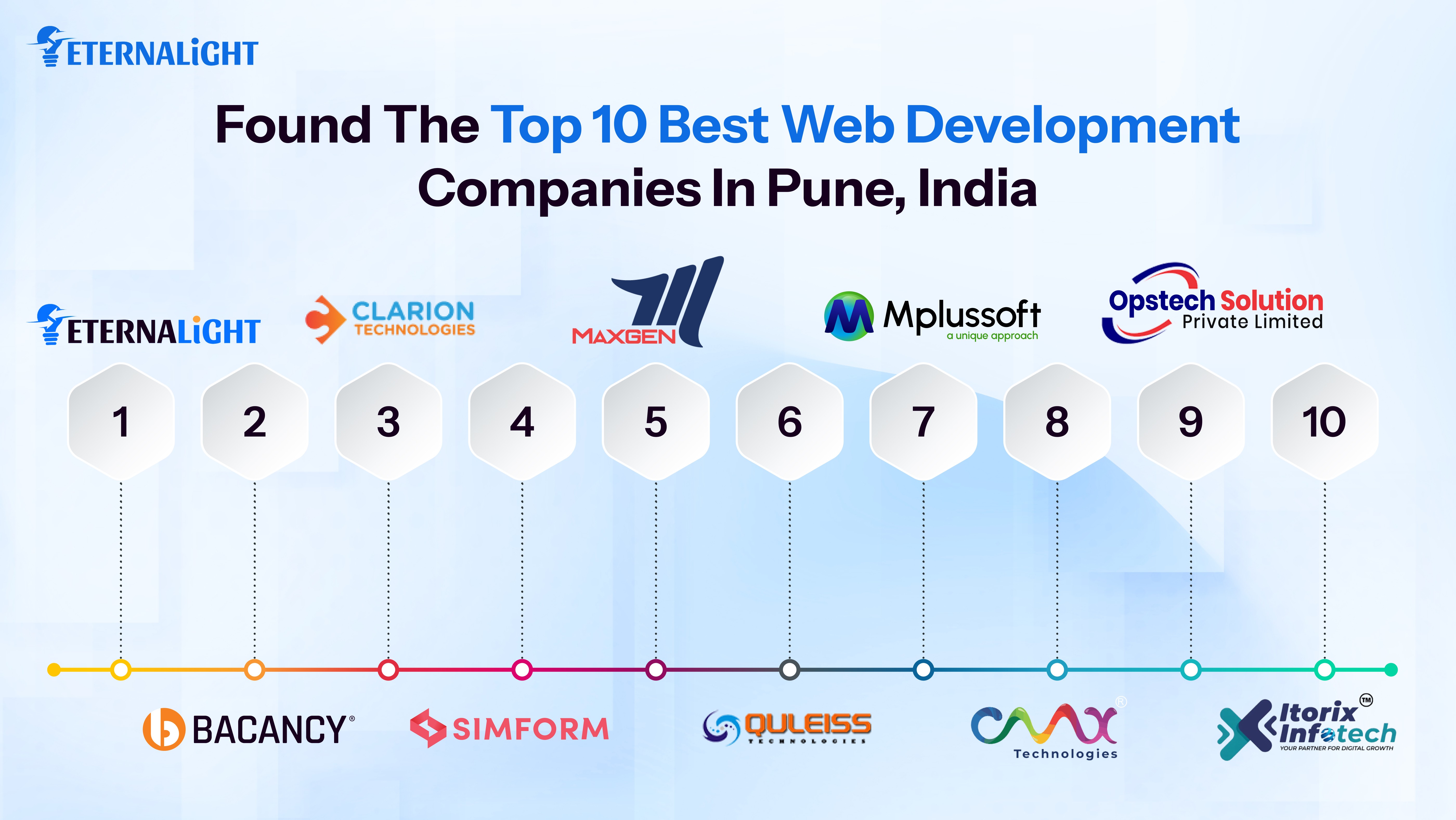
Top 10 Best Web Development Companies in Pune, India
Making Your search easier with this blog in discovering the top web development company.
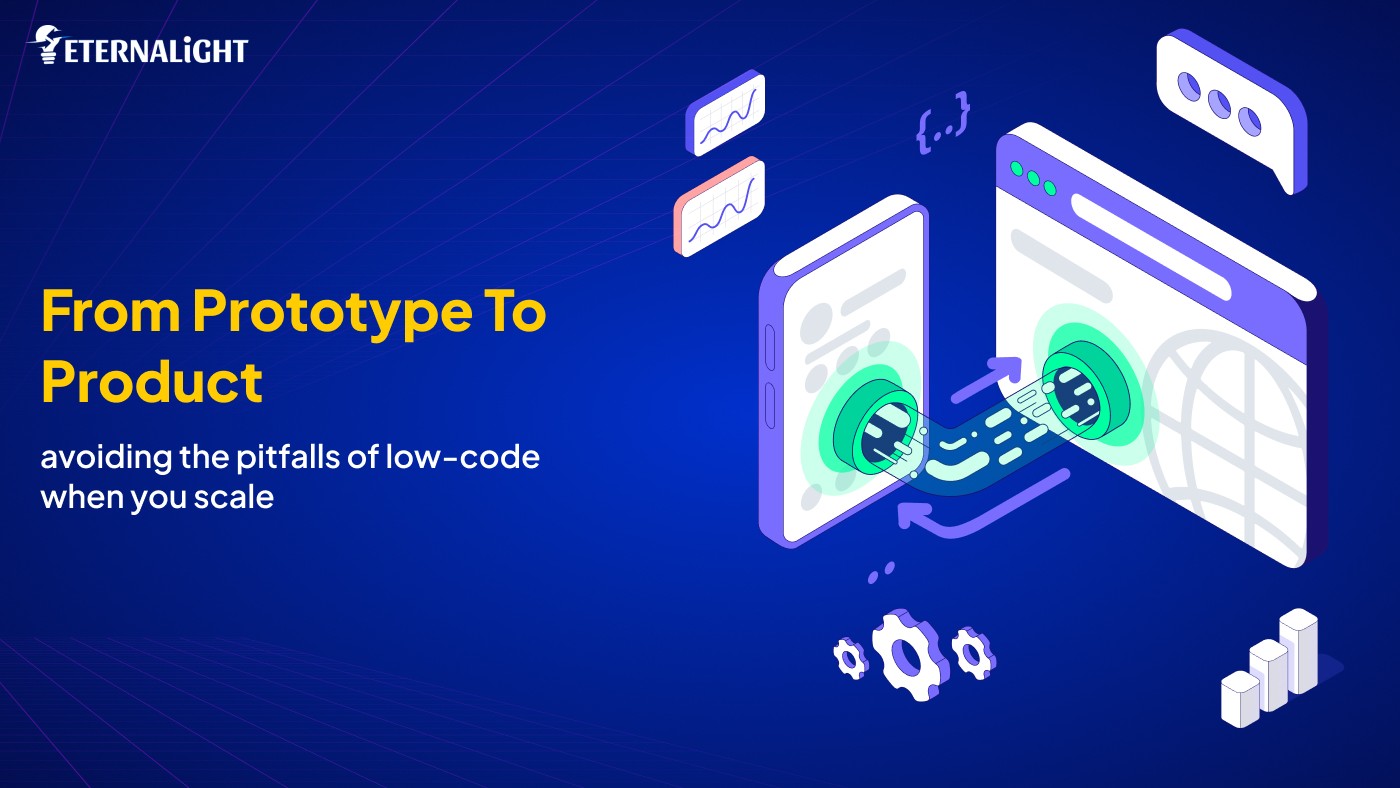
From Prototype to Product: Avoiding the Pitfalls of Low-Code When You Scale
Initially, building a website, app, or AI-powered system was the job of skilled professionals. However, the stream of low-code development tools has made it easier than expected. It is easy to launch dashboards, CRM software, chatbots, and AI-assisted tools with just a few drag-and-drop actions.
It seems like a magic wand that turns ideas into a vision, but that’s not always the case. There are a few cases that can cause a project's transition from prototype to full-fledged product to fail. Here in this blog, we’re discussing hidden tradeoffs, or you can say pitfalls of low-code no-code platforms.
As we know, with a basic understanding of HTML and CSS, someone can use the building blocks. It reduces the time and effort wasted in full-fledged development and in exploring multiple tools without compromising quality. If founders feel pressure to launch their product before competitors to create market buzz, it becomes a lever to capture customer attention.
Listing a few more reasons why founders invest in low code:
Less backlog, with limited coding and resources to deliver projects
It shortens the market release time through iteration
No need to waste on hiring professionals
Can validate the idea prototype without including the new technology in the domain
In real-world testing, the app is developed, deployed, and tested with 100 users. Still, when scaling and launching for more than 1M people, it encounters unpredictable, problematic issues such as breaches, crashes, and bug reports.
If someone is new to coding and in the learning phase, and has been assigned to develop a project, low-code is the preferred choice.
Opting for low-code is a fast, straightforward way to launch an idea without complex integrations, helping you get ahead of the competition. During the staging phase, it works perfectly; however, when thinking of scaling, it crashes.
Low-code platforms offer fewer resources and are built on pre-set compute environments. If traffic increases, we need to expand CPU, GPU, and memory capacity; however, that is hard to customize.
Recently, we worked on an IT firm's website using a low-code platform with limited automation options, and the UI/UX had some issues.
Limited resources, limited functionality, and limited outcomes are what we get from low-code systems. Whether it's AUC, F1 score, or accuracy, everything seems perfect during testing. Once it's been forwarded to deployment, it's harder to monitor what’s happening, so if you want to check data inputs, API latency, and resource utilization, it's harder to catch.
Sometimes state management fails, and a test environment is deployed to many unknown users. It is not recommended to use state management in low-code because, when multiple users access the system, values don’t change.
It’s a misconception that low code means you don’t need to worry about anything or that you have nothing to do. Scalability should not be the last consideration; it should be prioritized first.
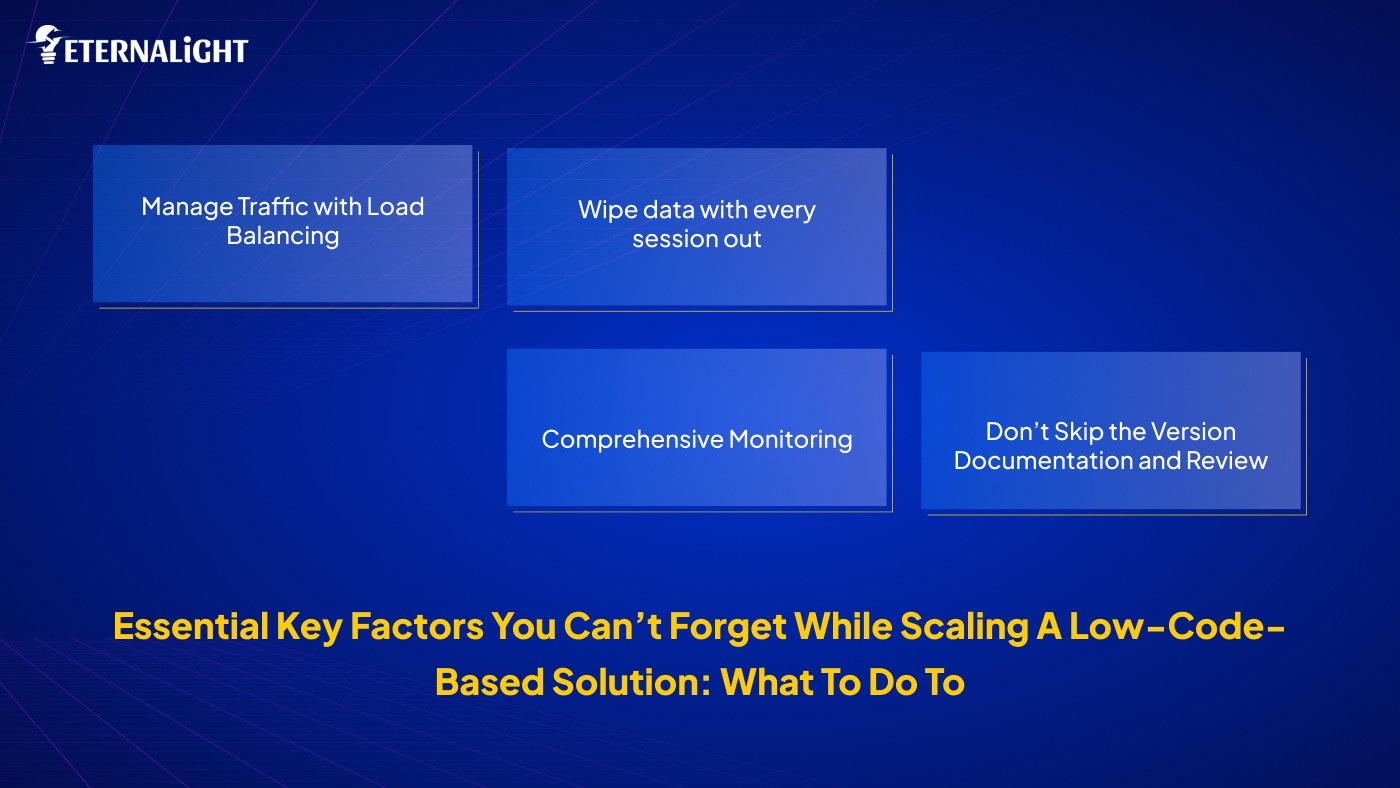
Azure Kubernetes or AWS ELB is best for scaling system functionality. It is recommended to implement auto-scaling based on CPU load, API latency, and user requests.
If variable values don’t reset when a new session starts, it will disrupt the user experience/ response. Each request is processed at a time, keeping information isolated. When designing chatbots or order management systems, it is recommended to maintain a separate state for each user request.
Monitoring shouldn't be limited to just the design phase or the prototype stage. Go one step further and monitor how quickly the API responds, how many requests are lost, and how well the resources are optimized. In addition to tracking conversion rates, sales impacts, and inputs, assess the business outcome.
Prepare a Fresh version whenever new changes are updated. Staging and production are the two things in low-code platforms. Before the final is read to the public display, it must be reviewed in staging.
Don’t skip A/B testing; otherwise, users will be disappointed.
Rapid iteration, integration, and continuous development, driven by instant feedback without straining the budget, are key to making a product successful in a low-code environment. But there are a few other considerations that should be prioritized to avoid any mishaps or crashes.
Initially, we are uncertain about lots of things:
Is it worth it to design, develop, and launch in the real world?
How users respond will depend on whether there is a real need for these features?
Instead of overthinking, we should use the initial ideation to visualize the concept and functionality.
Why do we think about that, and now how the idea should look in reality?
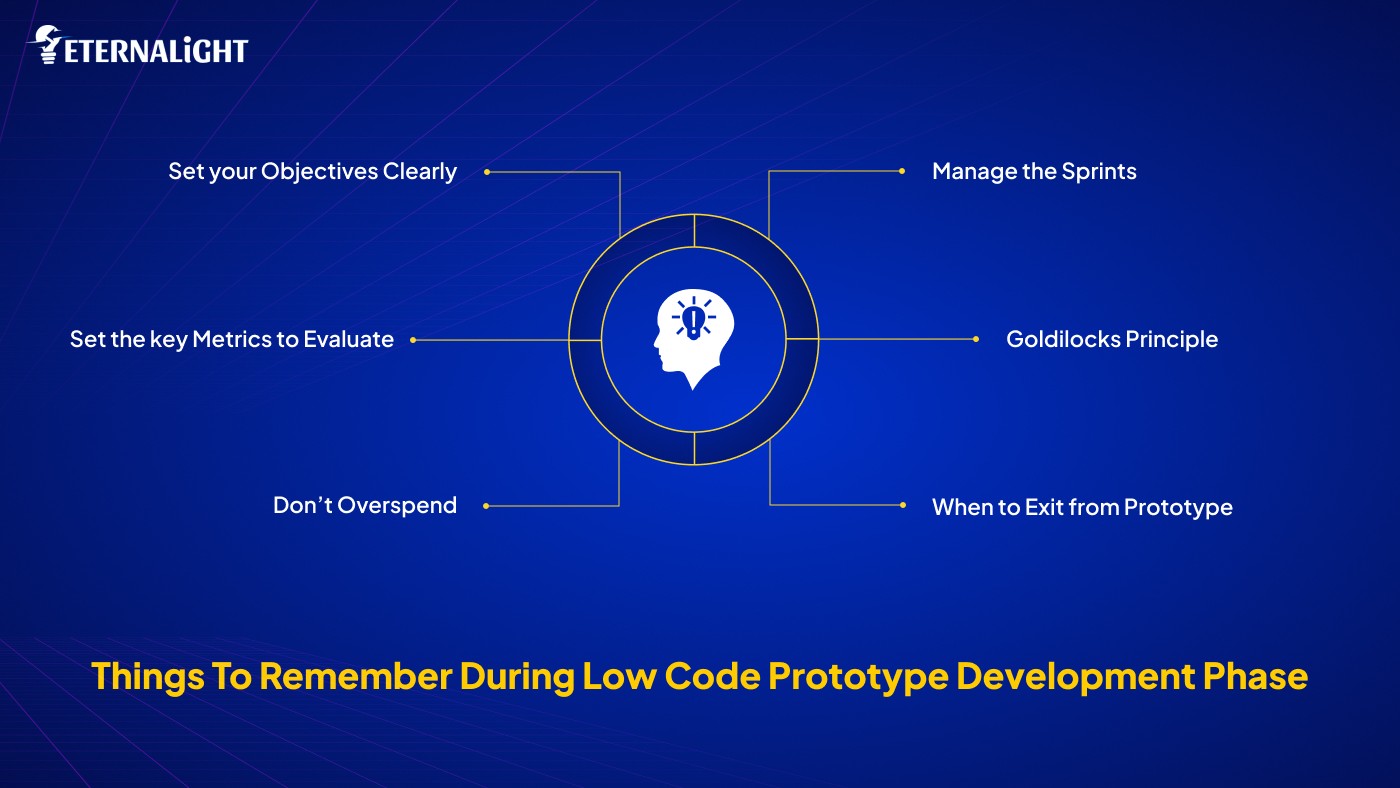
Before heading directly into the high-end coding production phase, clearly define your goals for the low-fidelity design. In which you can see how all the functionality is intricate, integrated, and implemented. How the query data will be fetched from the frontend to the backend. How each page will look. If everything is well planned and documented, it will save you from confusion and keep you on track, preventing you from getting lost in spiraling thoughts.
With prototyping, we test visuals, functionality, layouts, and user interactions. If anything feels disrupted or off, take stakeholder feedback and iterate on the design quickly before it scrapes your project.
You can’t evaluate whether you have prepared a checklist of metrics to keep or avoid. Also, set the timelines to achieve goals. It will help assess project progress and accelerate development without incurring delays or overruns. In the prototyping phase, you should focus on speed and performance, as well as areas requiring code refactoring.
Investing more will increase the product's size and functionality. But it's not more than a misconception. It just adds the burden of tech debt. During the prototype phase, focus only on what's working best for your project. Is it aligned with expectations, or do we need to iterate or rework? If you invest a significant amount only in a prototype, which is the third phase of the SDLC, there's a risk of failure, as you're working from assumptions and the initial ideation core concept.
During the coding phase, you need to refactor the code, which will also increase technical debt. Keep track of every move you perform during the prototype phase. Keep notes on potential technical issues you may encounter, as you’ve only designed the flow and layout so far, maintaining responsiveness across all screen sizes. But before the final release, the code needs to be tested. Prepare documentation for each chunk and plan sprints using a project management tool to avoid technical mishaps. For more, drop comments on what needs to be done or improved.
Not all projects are developed with the same idea in mind for the same audience. Depending on the features, scope, and complexity level, a timeline is constructed. Prototype is the phase where you dramatically illustrate your expectations; it is not as clean, but it is worth it to draw inspiration for wireframing. It's in the very early phase, when you can find the middle ground to revamp the UI/UX for coding.
You just don’t need to stay attached to prototyping alone; you need to move on to the next phase of high-fidelity design, including wireframing and coding. If you spend all your time, money, and efforts on just a prototype, when will you complete the project? You are working on validating the idea.
During the prototype phase, we have time to rethink our idea and flow. If the prototype flow is not aligned with ideation, it's better to change direction than to move in isolation or in the dark. It's better to fail in the first phase than to move to the final product. You can hold yourself whenever you feel it’s not worth it.
If everything goes well in the prototype phase, that's excellent, but it doesn’t mean you can move ahead blindly. You still need to be logical and attentive. Here, you can shift the gear and lose your finances.
Now, focus on every aspect to deliver an exceptional, exclusive user experience. Your brand will be in the public eye. Hence, even the small 1 sec. 3 sec glitches matter a lot.
Whether it's about inconsistent functionality, misaligned UI/UX, or network availability, or speed or performance in the long term for a large audience base, you can’t neglect anything at all. Here are some considerations for low-code production development.
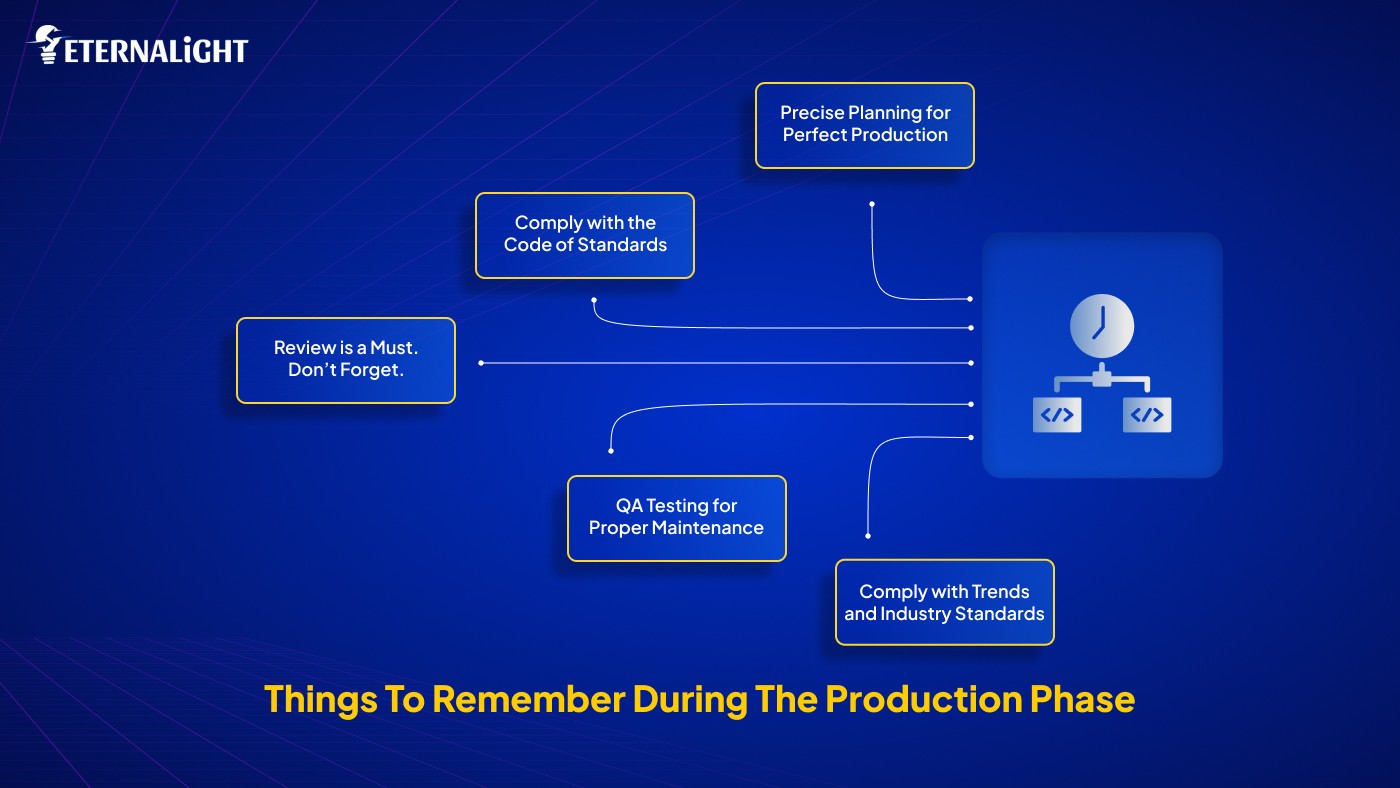
To do that, you need to plan without bias rather than just prototyping the technical and business logic. Yes, bugs are part of the development process, but what matters is how well the product performed when it was released to the market.
As we said earlier, every project has a distinct scope and timeline. Features and sizes vary, so to ensure precision and avoid errors or crashes before or after release, adhere to standard code-factoring and development protocols.
When designing the UI/UX or coding, prioritize all potential screen sizes your audience will use to access your app. If you prioritize all these things, the launch will be successful. Test your app for all expected and unexpected worst- and best-case scenarios.
Never miss reviewing the change you have made. A review is essential to restrict the mishaps. Test all edges with all test cases separately, also document the output for each test case, and what happened when you performed a specific test case. It will give you clarity on how the app will function when users interact with it. To that end, you can form separate teams for manual and automated testing before any merger.
Bugs encountered; CI/CD process continues; that's what QA testing is for. It is mandatory and frequently performed by professionals. Some companies outsource low-code app development, while others maintain in-house QA teams to support their low-code projects. The aim is to deliver the best product with utmost consistency and interactivity.
Whether it's a prototype or production, TypeScript drives efficiency and consistency, helps identify bottlenecks, and supports code refactoring. It's possible to integrate the typescript into the VS Code editor. You can check directly in the code whether it's working.
Constantly updated with the trends that have started from day one to when you design the prototype, to the day when the production is ready to release, the cycle is sloppy, sometimes slow, sometimes high. Many things change over time; what you implemented first may no longer be suitable after 6 to 8 months.
As we noted earlier, low-code is not for everyone. In some places, it can yield a rewarding outcome, while in others it can create high risk.
If a project is at normal to mid-moderate complexity, and you want to validate the idea for MVPs, or to support production for different businesses. If you need to structure an automated workflow and built-in tools, low-code provides the best outcomes.
If any project serves a million users, low-code lags because it requires security and performance, deep integration, and adapters. Furthermore, the scale is necessary as the user base increases. Moreover, if needed, implement custom business logic, algorithms, or real-time constraints.
The prototype is quick yet dirty, and the prediction phase is the opposite: it's slow, clean, and steady because we need to test every stroke without compromising quality, speed, performance, or responsiveness. Some people don’t prioritize prototyping because not enough budget is allocated. But we need to be attentive throughout the entire cycle from prototype to production; careful steps must be taken.
The software development phase starts from ideation, requirements gathering, and feasibility analysis. Each step has its own rise and fall, but being clear about your goals, development standards, and priorities can help you avoid major pitfalls.
At every phase of low-code application development, you must review recent work and act on feedback immediately. Decide whether to move forward or hold back, and refine your strategies. The transition is difficult, but maintaining product quality requires adherence to established practices.
At Eternalight Infotech, we document our progress at every phase to determine whether we’re on the right path or have strayed from the goal. Ensuring everything is delivered consistently and robustly.

Ayushi Shrivastava
(Author)
Senior Content Writer
Contact us
Send us a message, and we'll promptly discuss your project with you.