For decades, software has been something restricted to engineers and computer scientists.
You needed to know the syntax, the structure, the logic to build something useful.
Ever since the dawn of AI, this has changed. Vibe coding is one of the biggest shifts in technology lately.
Vibe coding lets people, regardless of background and expertise level, build software and applications with the help of AI. It has been a game changer for solopreneurs to large enterprises alike.
If you're wondering what vibe coding is, how to get started, this guide contains everything you need to know.
What is Vibe Coding?
Vibe coding was first coined in February 2025, by Andrej Karpathy, cofounder of OpenAI and former AI lead. The term was used to describe a new way of building software where you give AI instructions in simple language and it writes the code for you.
Karpathy described the approach as fully giving in to the AI, embracing what exponential model progress makes possible, and letting go of the need to read or understand the code.
This makes it possible for non technical people to code software applications and platforms too. You don't need to know what every line means or understand the syntax. You just describe what you want and the AI builds it for you.
Why did this shift happen? Large language models crossed a quality threshold where they started to produce working code from natural language.
Wikipedia defines vibe coding as "an AI assisted software development practice where the developer describes a project or task to a large language model, which generates source code based on the prompt."
Most people using vibe coding are not software professionals. It opens up new avenues for everyone, whether inside the tech space or not.
How Does Vibe Coding Work?
The vibe coding workflow comes down to four steps that repeat until your application is done.
First, you start by writing a prompt. This is a normal description of what you want to build. Something like "build a dashboard that shows weekly revenue by product" or "create a contact form that stores responses in a spreadsheet." The clearer your description, the better the output of the AI is.
Code is generated based on your prompt. Depending on the tool you use, it might produce the frontend, the backend, or a full stack application ready to run.
The next step is to review and assess. You don't need to understand every line. But you need to check if it does what you asked. Anything that looks wrong or works wrong needs to be fixed. Run it, test it, and look for obvious problems.
The final step is to iterate. If something's off, write another prompt to fix it. Vibe coding is entirely conversational. You build the application through a series of prompts and adjustments.
Relying on natural language as the primary interface is what separates this from older code generation tools. The core skill here is not programming. It's being specific and conversational. Clear prompts produce usable results.
Why Vibe Coding Matters Right Now
AI models have reached a point where they can produce working, deployable code from natural language.
That quality threshold wasn't met a few years ago. Now that it has, adoption has moved very fast.
84% of developers worldwide use or plan to use AI coding tools. GitHub Copilot has surpassed 20 million users and is growing more than ever. The global vibe coding market sits at $4.7 billion and is growing at over 27% annually.
IBM notes in its vibe coding overview that for enterprise teams, the ability to prototype and validate faster has a direct impact on competitive positioning. That's why adoption is quicker and visible than ever.
For startups, vibe coding is changing how they’re built and this story is playing out across every startup field right now. Founders who previously needed a dedicated developer to test an idea can now prototype and validate on their own.
Top 5 Popular Vibe Coding Tools
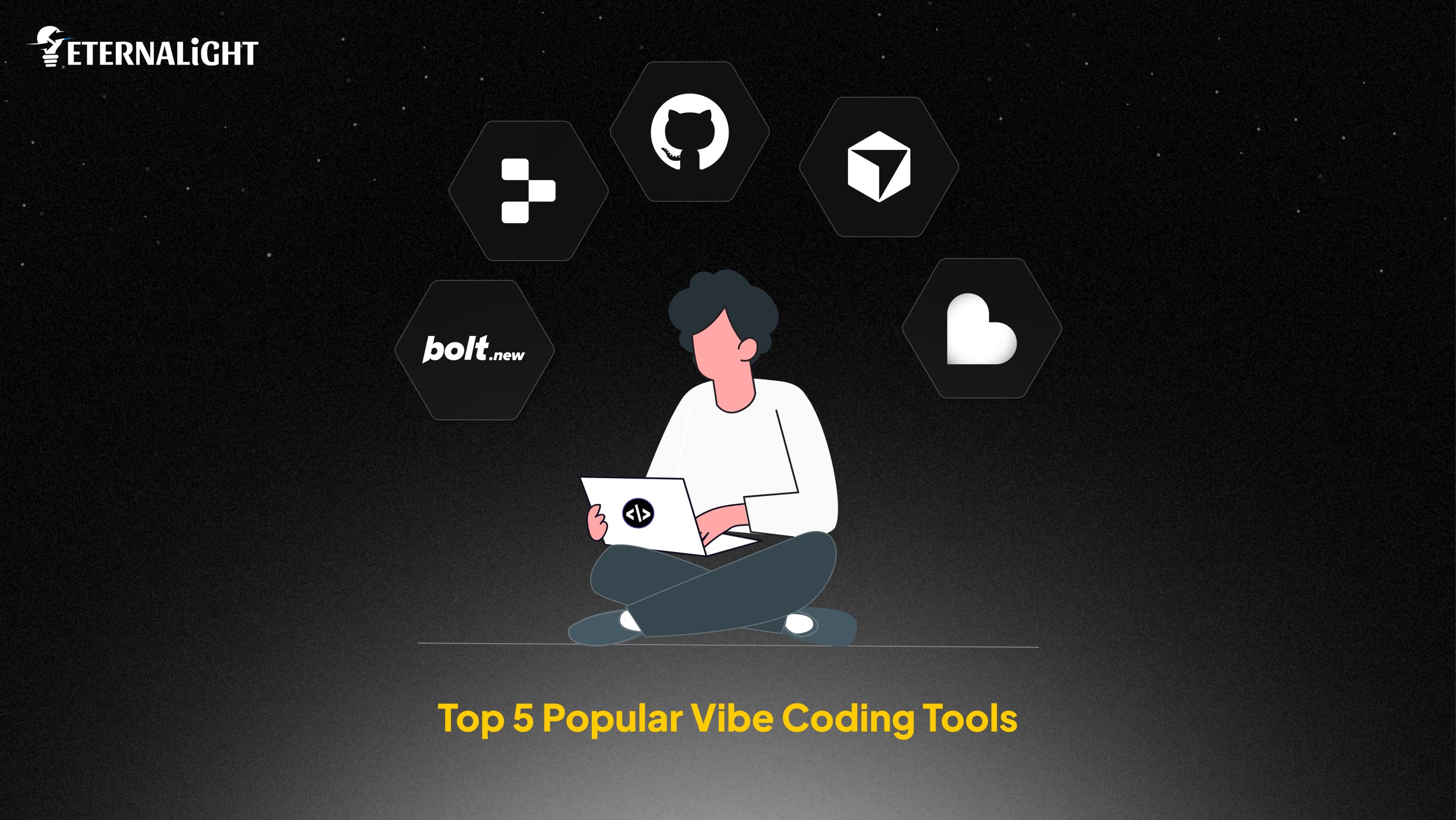
These are the five most popular vibe coding tools in the present day:
Cursor
Cursor is an AI powered code editor built for developers. It understands your entire codebase and makes targeted changes based on your instructions. If you already write code and want to accelerate your output, this is where to go. Cursor crossed $2 billion in annual recurring revenue in 2025, one of the fastest growth trajectories in developer tooling history.
It indexes local directories and its "Composer" feature allows users to apply edits across multiple files simultaneously.
Bolt.new
Bolt.new is a browser based tool that lets you build full stack applications from a prompt. You just describe what you want, the AI generates the code. It also includes a live preview. You can export the code and deploy it anywhere. Best for rapid prototypes and quick builds where speed is the priority. It supports major modern frameworks like Next.js, Astro, Svelte, and Vue, and offers fast generation speeds and one-click Netlify deployments.
Lovable
Lovable specialises in building React applications with strong visual design. You describe your app in plain English and it produces a complete, deployable application. Lovable is one of the fastest growth curves ever recorded for a SaaS product. The platform focuses on high quality design and generating clean, responsive layouts out of the box.
Replit
Replit is a complete cloud development environment with an AI agent built right in. It builds, tests, and deploys applications without you setting anything up locally. Replit grew from $10 million to $100 million in annual recurring revenue in under nine months with their Agent feature. A strong choice for full stack development and teams that want everything in one place.
GitHub Copilot
GitHub Copilot is the most widely used AI coding assistant in the world, with over 20 million users and 75% year over year growth. It works inside your existing editor and suggests code as you type. It's more of an assistant than a full app builder. But if you already code, it's one of the most practical tools you can add to your workflow today.
Getting started with these vibe coding tools looks different depending on whether you're a developer looking to accelerate or a non developer looking to build from scratch. The right choice changes based on your starting point.
What Are the Pros and Cons of Vibe Coding?
Everything has its advantages and disadvantages. Here are the pros and cons:
The Pros of Vibe Coding
The biggest advantage is faster build times. What used to take a developer a week can take hours with the right tool and a clear prompt. Non developers can ship products too. The barrier is low enough that founders and product managers can test ideas without needing a full engineering team behind them. And costs go down because you need fewer people to produce the same output.
The Cons of Vibe Coding
Security is a real concern. Apps built on popular vibe coding platforms can have severe security flaws in their access controls. AI tools optimise for speed, not safety, by default. Code quality is also inconsistent. AI generated code produces more issues than human written code. And if you ship code you haven't reviewed, you're building on an unstable foundation.
Ensure you review the output before it goes into production. Understanding what each type of AI agent does and when to use it gives you a clearer picture of everything.
For teams working with advanced AI infrastructure, pairing vibe coding workflows with capable models like DeepSeek can highly improve output quality on complex builds.
Conclusion
Vibe coding is not a trend. It’s here to stay, and already changing how software is being built at scale.
The tools and the adoption numbers prove it so. You don't need to be a developer to use these tools. But understanding how they work, which ones fit your needs, and where to apply human judgment makes the difference.
If you want to use vibe coding as a real development strategy, Eternalight Infotech can help you get there.
We work with founders, startups, and enterprise teams to build applications using AI driven development workflows. We know which tools work for which use cases, where the quality holds up, and where human oversight is necessary before you ship.
Whether you're starting from zero or looking to accelerate an existing development process, get in touch to talk about what's possible.

Gauri Pandey
Technical Content Writer
Gauri Pandey is a Technical Content Writer at Eternalight Infotech. She uses her expertise to break down complex topics into simple, value-driven narratives, bridging the gap between technology and real-world applications.
Frequently Asked Questions
No. Most vibe coding tools are designed for non developers. You describe what you want in plain language and the AI handles the code. That said, some technical understanding helps you write better prompts and catch problems in the output before they turn into larger issues.
Traditional coding means writing every line yourself. Vibe coding means describing what you want and letting an AI write the code. The vibe coding workflow is prompt based, conversational, and significantly faster than building from scratch.
Not automatically. AI generated code needs to be reviewed, especially for security vulnerabilities. Research found that around 10% of apps built on popular vibe coding platforms had exploitable security flaws. Always have someone with technical knowledge review the output before it goes live with real user data.
It depends on what you're building. If you're a non developer wanting to build a full application, start with Lovable or Bolt.new. If you're a developer wanting to move faster, start with Cursor. If you want a complete cloud environment with no local setup, try Replit.
GitHub Copilot helps developers write code faster by suggesting completions as they type. Vibe coding tools like Bolt.new and Lovable build entire applications from a plain language description alone. Copilot is for people who already code. Many vibe coding tools work for people with no coding background at all.
Related Blogs
- AI & ML10 Mins
AI Data Security Strategies: 8 Ways to Protect Data in AI Systems
Explore 8 AI data security strategies to protect sensitive data across prompts, AI models, RAG systems, APIs, access controls, storage, and outputs.
 AI & ML17 Mins
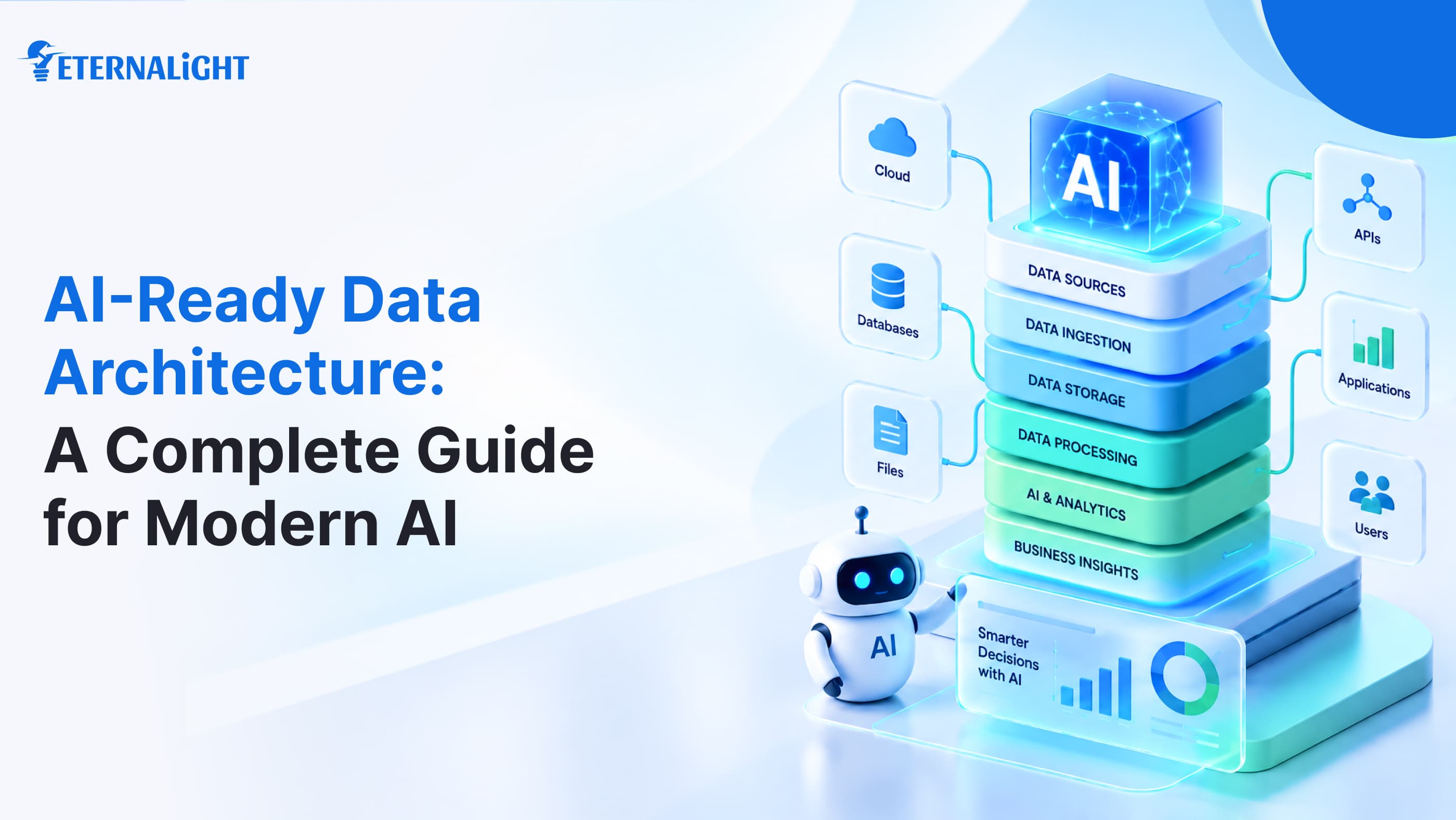
AI-Ready Data Architecture: A Complete Guide for Modern AI
Learn how AI-ready data architecture works, its key components, framework, how to build it, and how it supports generative AI, machine learning, and AI agents.
 AI & ML16 Mins
LangChain vs LangGraph: Which Fits Your AI Agent Workflows?
Compare LangChain vs LangGraph to understand their key differences, use cases, and how each framework fits modern AI agent workflows.