
Whether it’s remote or in-person work, cloud computing is preferred everywhere. Cloud services are flexible, efficient, affordable, and provide an extensive services suite, from hosting apps to managing documentation, reporting, infrastructure, and storage.
That’s only one side of cloud computing; on the flip side, the situation isn’t always comfortable. Initially, we focus on saving costs and physical resources, but as the business operation expands, it needs more servers, storage, or resources.
Over time, business owners start thinking about their past moves and decisions. When a business owner opts for a service, do they really think about the "just-in-case" situation?
They never think that their business will not grow; they always aim for growth, traffic, accessibility, massive storage, and data centers. They know where they will keep their data and tools if they run out of storage space.
Then they realize that their decision to increase sales and business growth without any blockers has eventually turned into unnecessary extra expenditure. They notice when emails and invoices appear on the screen and in the table.
So nowadays, founders like to spend strategically by optimizing cloud costs without squeezing their budget, using the right resources and flexible pricing models to manage their workloads.
Why Do Cloud Costs Increase Even When Usage Seems Stable?
Do you think cloud costs have inflated faster? No, it's not.
The cloud environment itself evolves in terms of services, features, offerings, and cost.
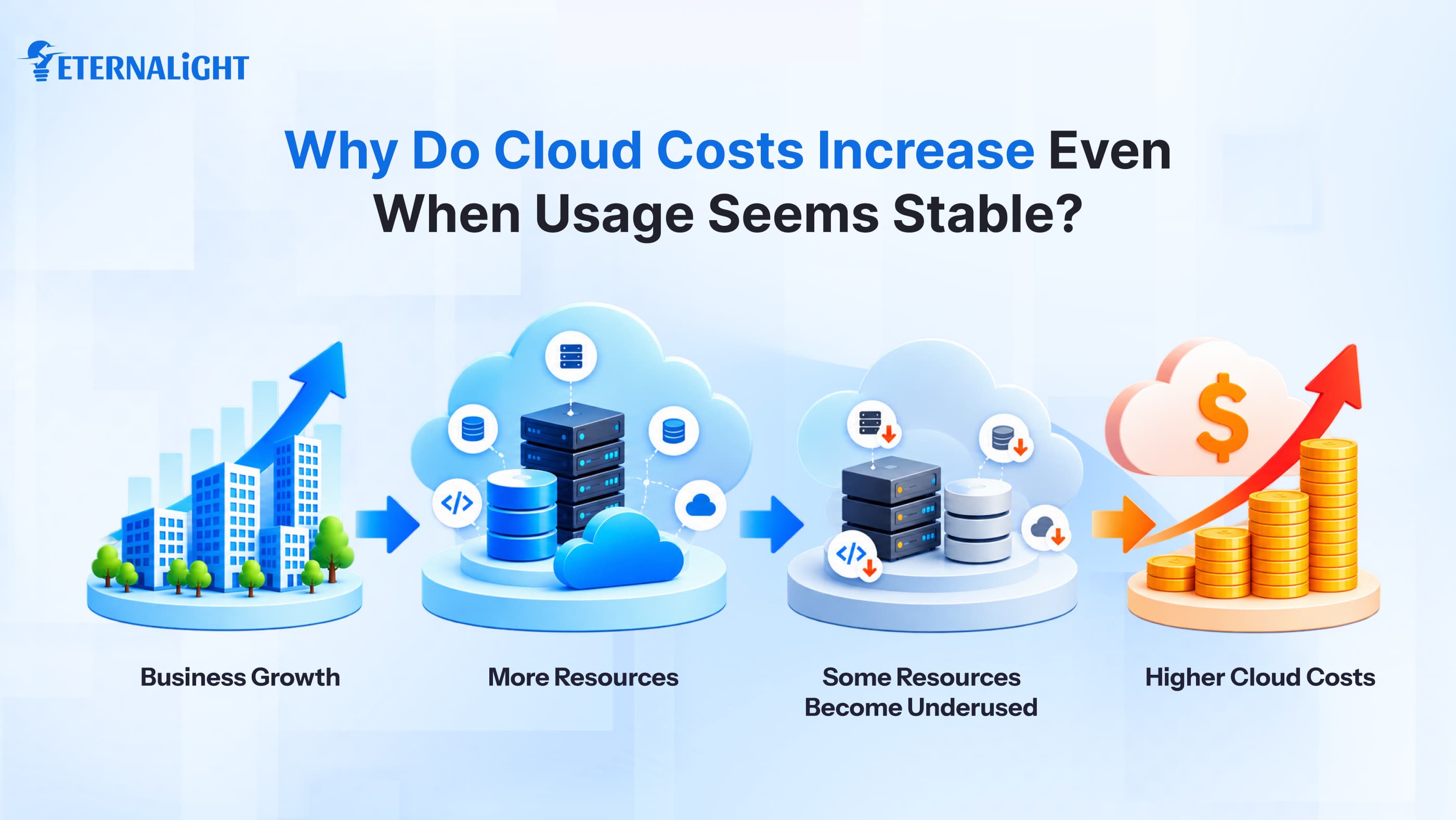
The founder thought scaling resources and functionality would attract more users and expand the business globally.
Initially, the business did not have enough workload because its reach was limited, but the founder subscribed to a cloud environment to avoid sudden surprises and keep operations running; soon, it became expensive and cumbersome.
Cloud infrastructure and resources evolve as the organization's needs change, so it often becomes difficult to control and reduce expenses. This happens for the following things:
Over-allocation of Resources
If an organization provisions multiple compute instances, databases, or other resources and demand doesn't increase, it may continue paying for capacity it doesn't fully use.
Idle Resources Recurring Running Cost
Some resources may remain provisioned even when they are rarely used, while others are created for temporary projects and keep generating costs after the project ends.
Extra Spending for Inefficient Demand
Traffic doesn’t stay at the same volume all day; it depends on when and where users access the application for specific services/products. Set the timeline and peak hours for high demand.
Workloads fluctuate; paying for cloud services during peak traffic is fine, but what about quieter times when the application and resources are used infrequently?
Cloud Cost Optimization Strategies: Where to Look When Your Cloud Bill Keeps Growing
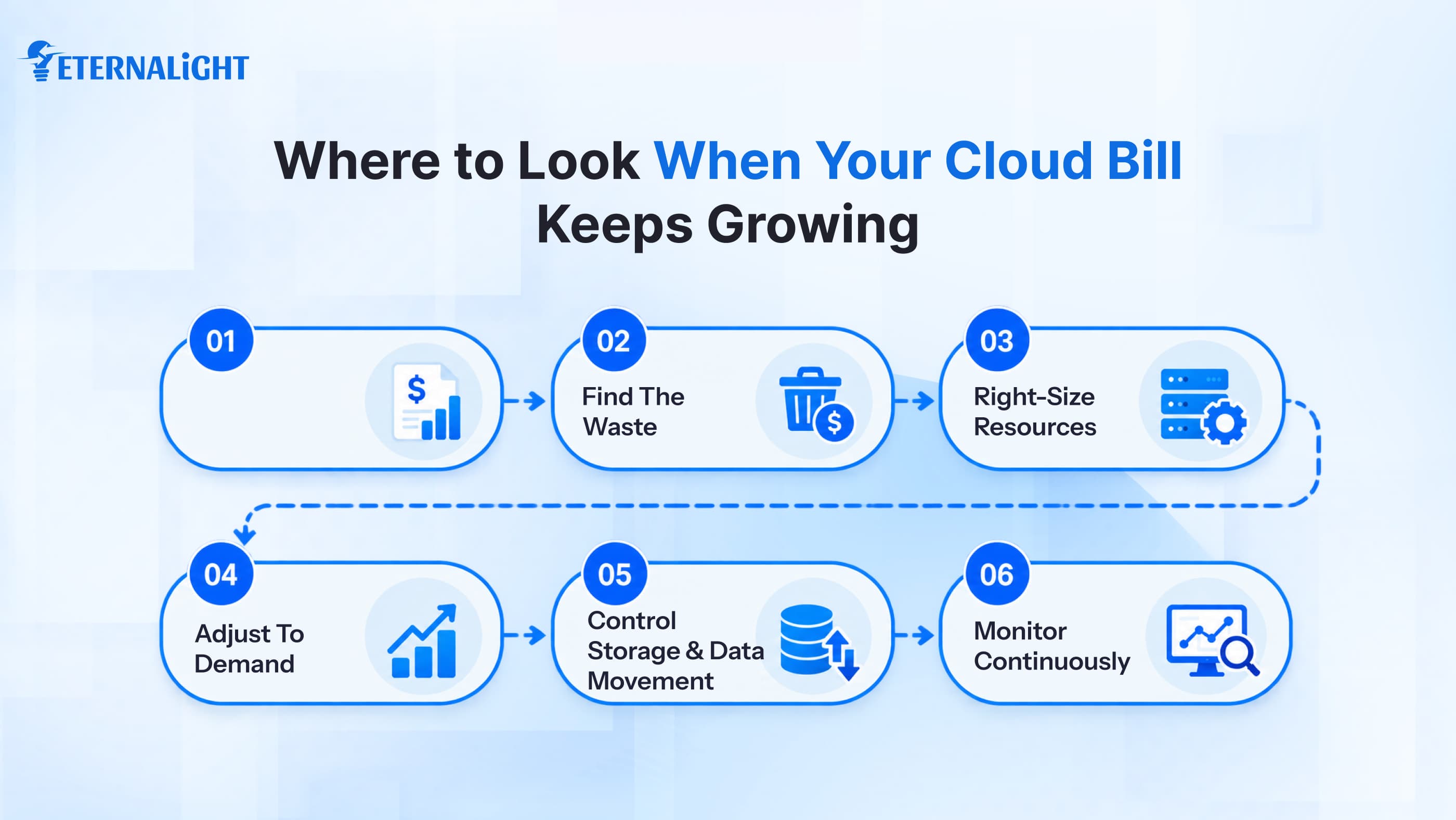
Find Out Where Your Cloud Budget Is Going
When you receive a message or email, it shows only the total service charge, not the applications and tools. To reduce cloud costs, check the projects you’re working on and the tools you use most often.
Also review whether you have noticed a sudden spike in storage, compute usage, or other resource costs.
Once you understand your spending, you can decide which resources, services, or tools to cut to save your budget and reduce infrastructure burden.
Stop Paying for Capacity You Don't Use
At first, we don’t know which cloud resources are worth it. But over time, by reviewing behavior, patterns, and needs, we gain clarity on actual usage and how much storage you need.
Does it make sense to pay for the services, databases, CPU, and memory that are untouched for months?
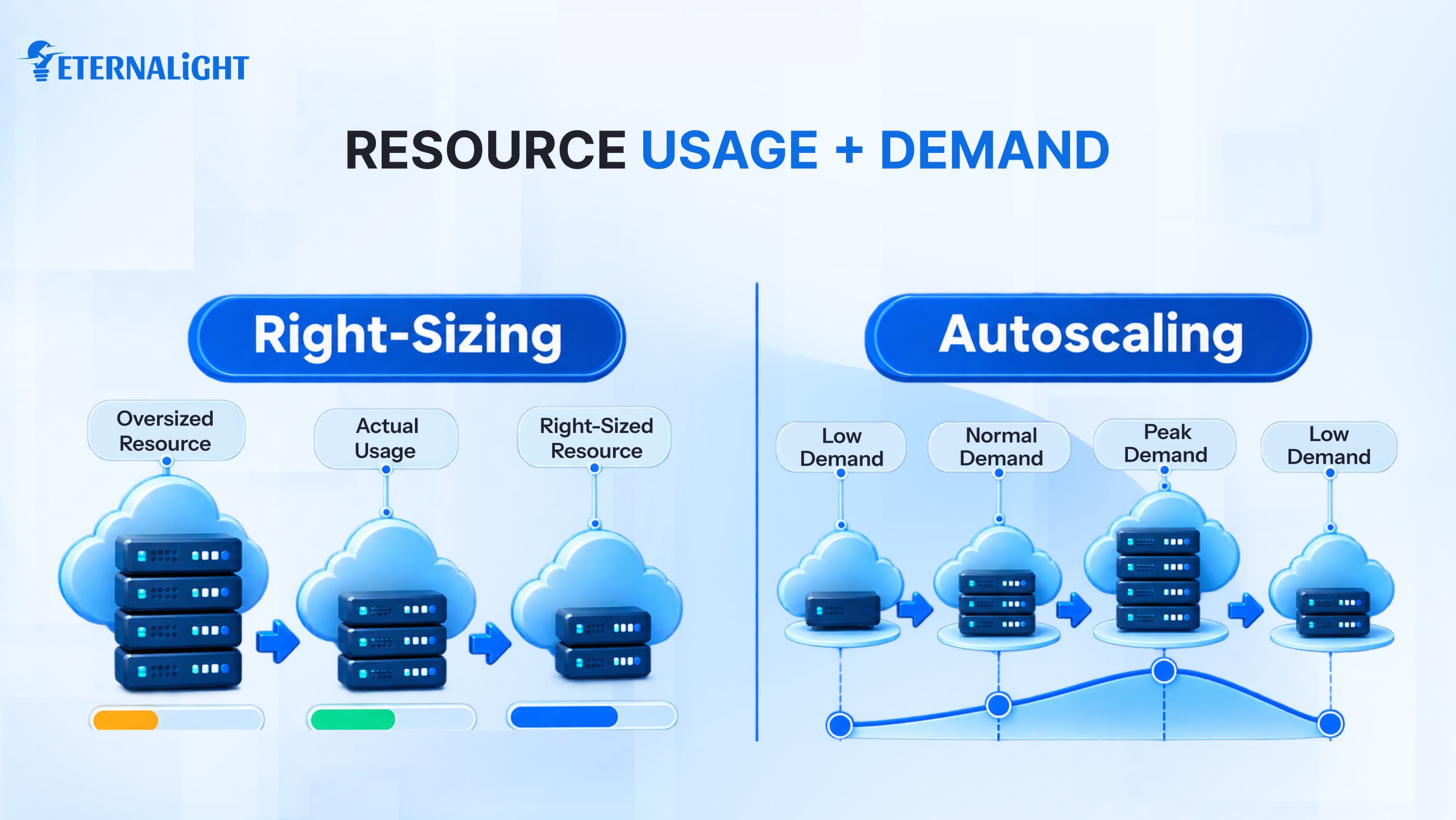
Before renewing the subscription, review the size again based on your usage, and access only what you actually use and need.
Clean Up the Cloud Resources You No Longer Need
This point connects to the one above. Cloud service providers offer many resources, and we don’t use all of them often; some go into sleep mode when unused.
In sleep mode, they still consume space and cost money. Some applications might double because you may have installed the new version but not deleted the older one.
Clean up unnecessary items and list priority resources to avoid hurdles. This could be any attachment, file, or image you downloaded during the project.
Let Infrastructure Follow Demand
Maybe it's peak season and the platform is receiving high traffic, so it uses services and resources from product discovery to payment across different categories; the app must load faster and manage customer demand.
The same principle applies to the cloud environment; not all projects need resources 24x7. Enable autoscaling so apps respond to requirements, predict demand and workload, and let the infrastructure scale up and down.
If rules are not defined, costs will go up and increase the bills it will help support optimizing performance and availability.
Match Your Pricing Model to Your Workload
Most cloud services offer flexible pricing models basie on time, complexity, team size, and feature access. Businesses can decide whether the whole team will use the service and collaborate, or only individuals will access the app.
For first-time users, cloud providers sometimes offer a discount, but before subscribing, review the features and access you can use: is the dashboard different, and are there any restrictions?
Estimate your project complexity, how long you need to rely on it, and when you can switch plans to avoid capacity interruptions.
Don't Let Your Data Quietly Inflate Storage Costs
You've probably noticed your phone or PC runs out of storage over time because installing apps or files creates temp files that take up space.
The same is true for cloud apps, where data takes up space, including trash, log files, media, pictures, screenshots, stories, and more.
If data isn't properly isolated, it becomes harder to search and retrieve, increasing storage use and costs.
Apply a retention policy, optimize logs and backups on time, and delete unnecessary data. Before making any decision, discuss with the stakeholder and other project managers whether the data is needed in the future or if they have a backup elsewhere.
Also, make sure this process doesn’t violate any policy, compliance requirement, or third-party integration or vendor support.
Keep Data Movement From Becoming a Hidden Cost
Do we transfer services and app data only within our region?
No, it's not possible. We can have clients and connections beyond the border, and that can add network costs, service charges, platform fees, taxes, and more, which we don’t realize until the final bill arrives, like a soft shock.
Overlooking these services and data transfers can be costly, so pay attention to architecture, resources, size, and regions as components are ready to transition. Storage isn’t the only factor that increases the bill; latency, security, data transfer time, and app infrastructure also affect it.
Make Cost Optimization Part of Everyday Cloud Operations
While working on an important project, we sometimes forget to monitor the plan and expenses, or we don't have enough time. Setting limits for resource usage, network, and app usage helps maintain discipline and prevents you from exhausting resources before you exceed your budget.
Set daily spending alerts, schedule environments, and apply predefined rules with proper access controls so unauthorized users can’t access them. Also define who has what type of access to avoid repetition and keep sensitive data untouched.
Common Cloud Cost Optimization Mistakes to Avoid
Optimizing the cloud budget is a smart move to secure funding for startups and enterprises, but if you focus only on cost, you may miss opportunities and other things.
Shrinking the resources may slow down performance
You have just realized the overspending on cloud infrastructure, its resources and services, and immediately unsubscribed from a few compute or storage apps. You may have noticed that when your phone storage starts running out, your phone also slows down.
Cost observation once in a while
You enabled the permission setting for services a few months ago, but is it still worth it, or is it outdated? Review the configuration regularly to see whether updates are pending or if you need a new one.
Treating compute as a major expense
If you only focus on cutting compute costs and ignore unnecessary data backups, databases, networking, or other hosting and multimedia services that indirectly contribute to your expenses, your cloud spending will increase significantly.
Ignoring Staging or other Environments
Whenever developers start working on any project, be it a web app or a mobile app, they do not directly add the code to the live version; they test it on a staging version, which is hidden from user access, but even if the app is in the testing phase, we are consuming the resources and services, which increases the cost.
Cloud Cost Optimization is an Ongoing Process
Optimizing cloud costs doesn’t require major effort; it's a regular practice along with tracking SaaS metrics. Here, we focus on our utilities, needs, and budget. Having a big suite of cloud services and resources doesn’t guarantee organizational growth, but our attention to spending makes a big difference.
By adapting cloud cost optimization strategies, we identify which services or resources deliver value and where we can scale back. The organization should spend only on services, resources, or infrastructure that are reliable, resilient, and robust for the long term.
Review your invoices and bills, look for hidden unnecessary expenses, identify recurring costs, automate what you can, and then measure how much you’ve saved.

Ayushi Shrivastava
Senior Content Writer
Ayushi is a Content Strategist at Eternalight Infotech with 4 years of experience in transforming complex ideas into clear, engaging, and SEO optimized narratives. She specializes in crafting impactful content strategies that enhance brand visibility and drive meaningful engagement across digital platforms.
Related Blogs
- Cloud & DevOps9 Mins
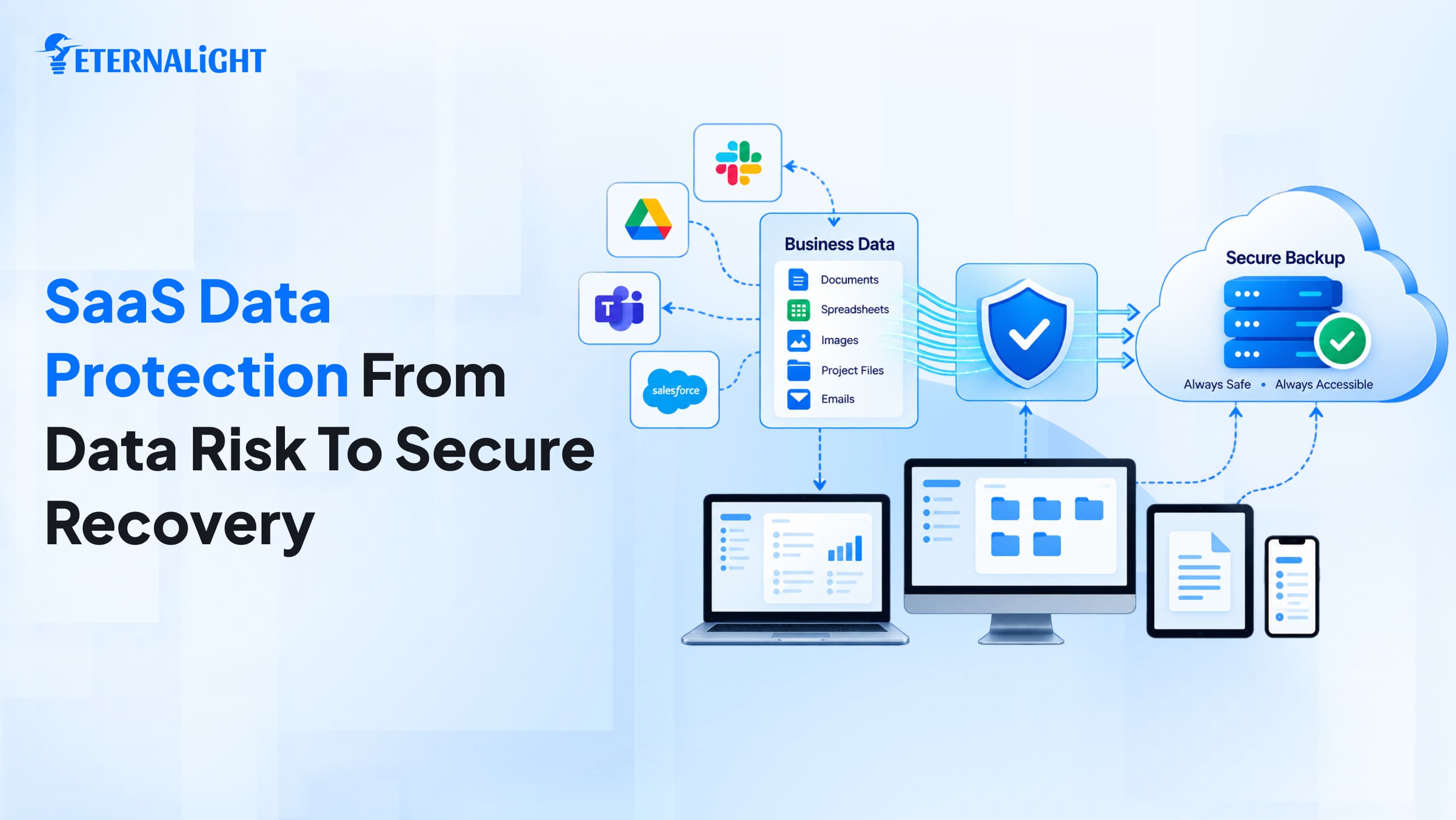
Why SaaS Data Protection Matters: 8 Risks Businesses Should Not Ignore
SaaS apps may not protect your business data as well as you think. Discover 8 risks and what businesses can do to protect and recover critical SaaS data.
- Cloud & DevOps5 Mins
Compare Why Next.js Is Cloud-Native by Design (and React Is Not)
Discover why Next.js is considered cloud-native by design. Learn how it differs from React in serverless deployment, edge functions, scalability, SEO, and modern web application development.
 Cloud & DevOps9 Mins
Cloud Migration Strategy 2026: A Complete Guide to Process, Plans, and Costs
Learn the various types of strategies used for cloud migration in 2026. This guide covers everything from process to the right migration plan.
&w=3840&q=75)
