Fintech
7
Mins
Authentication & Authorization: Resolving Dilemma to Develop Secure Applications
Build Secure Apps
Authentication & Authorization: Resolving Dilemma to Develop Secure Applications
Have you ever been in a dilemma of the two standard terms: Authentication and Authorization?
How do we keep the system secure without making life difficult for our users?
It seems simple, but real-world systems tell a different story. As products grow, teams often face the same set of problems repeatedly.
In this blog, we break down the challenges of authentication and authorization, the fundamental differences between them, and what a practical, scalable solution looks like.
Gone are the days when apps were limited to mobile or web; today, they include cross-browser apps, APIs, and microservices. Poorly designed application authentication architecture is an easy target for hackers.
Over time, hacking & phishing practices have evolved, shifting from exploiting app loopholes to intruding on the UI to steal information.
The number of cyber threats, data breaches, and spam has increased in 2025, and it has impacted businesses with debt totaling $10.5 trillion. Cyber threat costs are expected to reach $15.63 trillion by 2029. Most companies plan to allocate 48% of their budgets to data protection by 2025.
No matter which techstack we’ve used, the majority of authentication and authorization systems have the same problems. Whenever developers plan to scale systems, functionality failures occur in unpredictable scenarios, impacting the operations of startups, enterprises, and consumer-focused apps.
Users want passwords they can remember.
Security wants passwords that no human can remember.
This mismatch leads to:
Password reuse across services
Weak credentials
Endless “forgot password” tickets
It’s a lose–lose unless we rethink how authentication is done.
As teams or customer use cases grow, managing permissions quickly becomes complex.
A few examples:
A new employee needs limited access
A contractor needs temporary rights
A customer changed the subscription plan
If the system architecture is poorly designed and compromises the security and network layers, it may expose sensitive data or lock legitimate users out. Both are equally disastrous.
Short session → constant re-logins
Long session → security loopholes
Web, mobile, and API clients all behave differently. Getting session timeouts, refresh tokens, and device handling right is tougher than it looks.
It can happen if a method works for 100 user access requests, but it may not scale when the user base grows to 100,000.
Common pain points:
Centralized session stores become bottlenecks
Permission checks slow down requests
Microservices need consistent identity verification
This is where architecture matters.
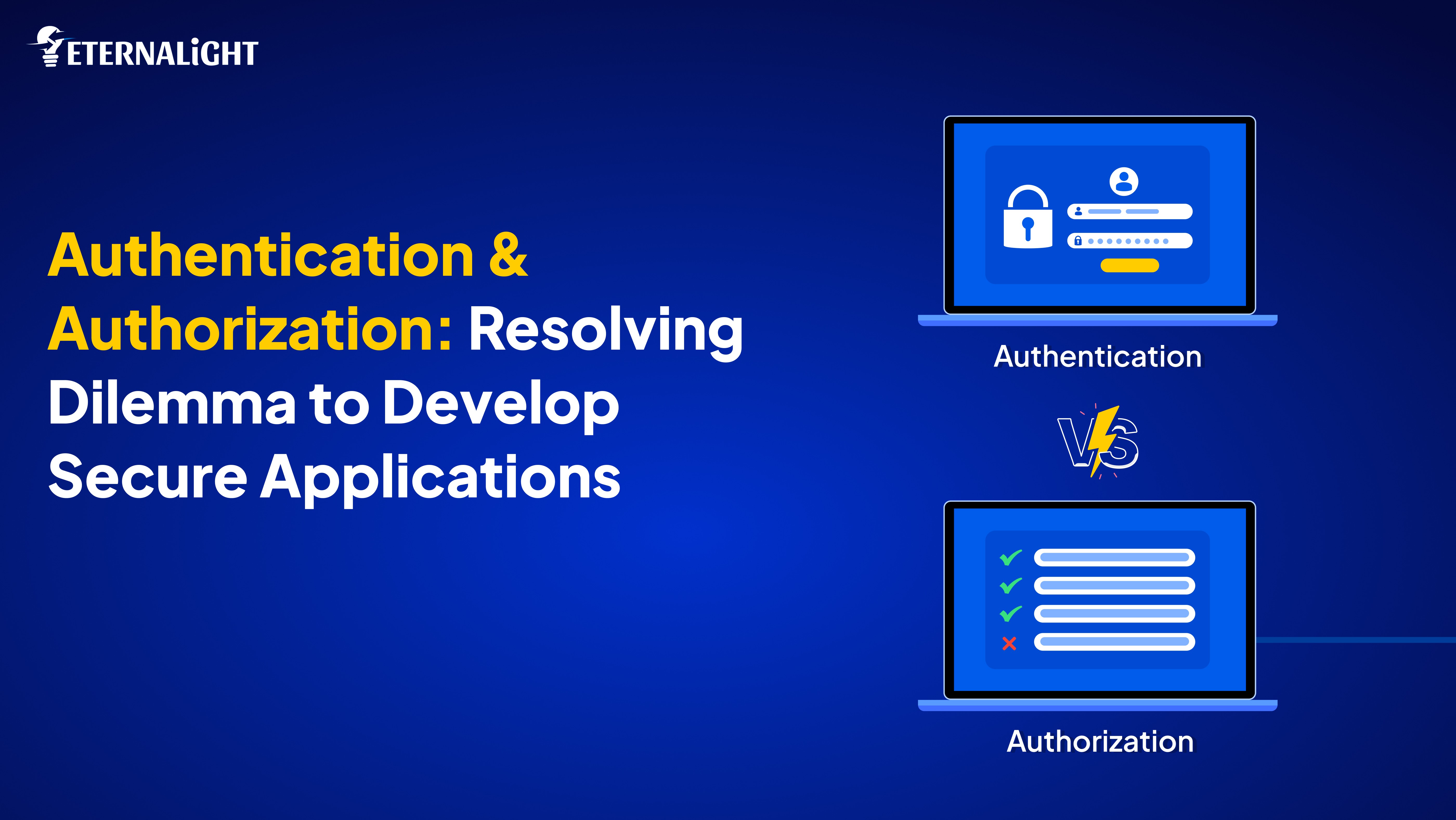
Before we go further, let’s clarify two terms that many people still conflate: authentication and authorization. When designing scalable access control systems, it is essential to understand the significance of both.
It signifies directly about your identity, like showing your ID at the airport.
Checking permissions.
Like your boarding pass deciding which lounge you can enter.
Authentication and authorization work together, but they solve different problems.
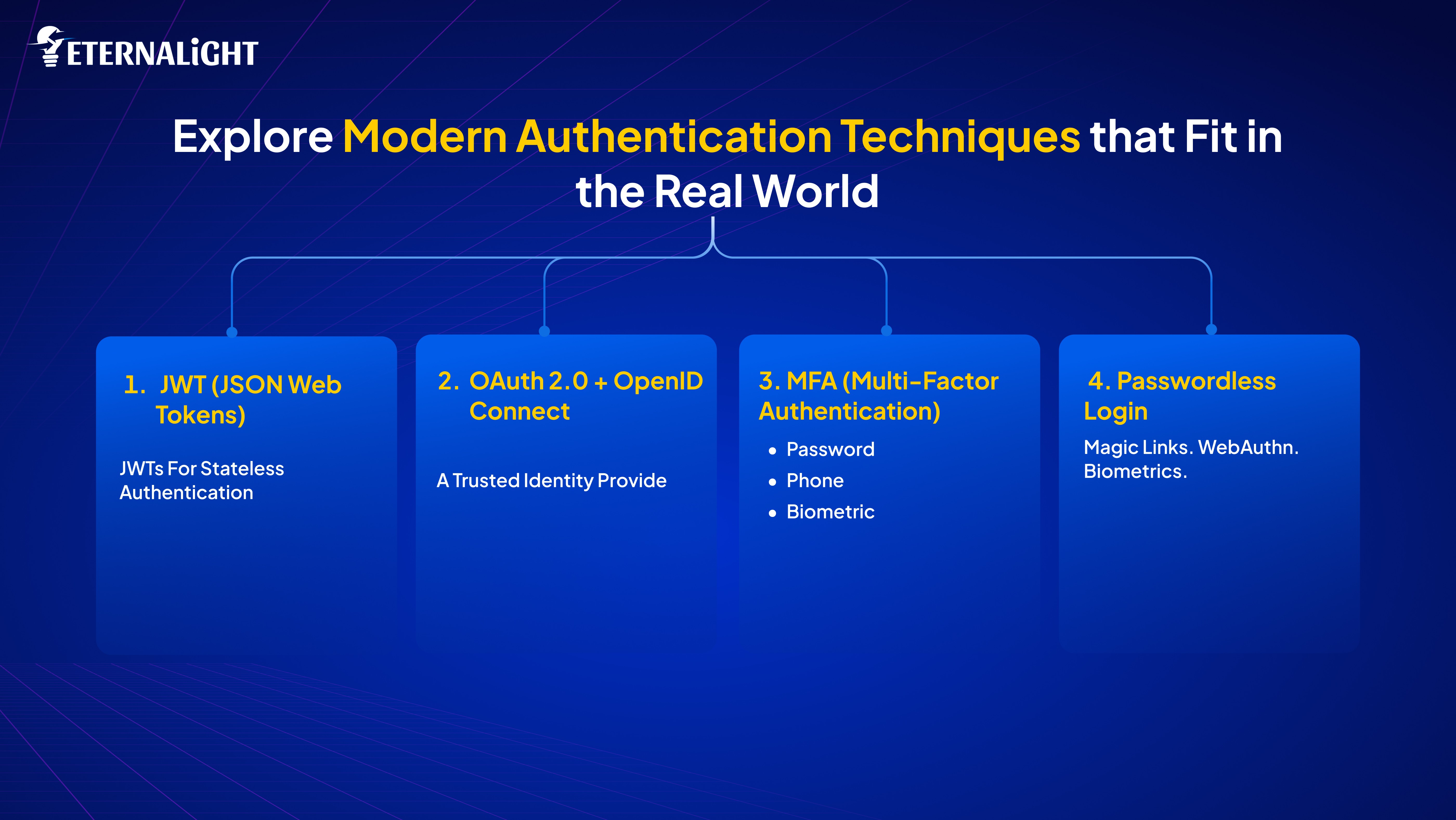
Initially, when accessing any application, we used usernames, passwords, and credentials. In modern application architectures, there are multiple clients. Undoubtedly, traffic and access request volumes are heavy, making it challenging to keep everything in sync, seamless, and uninterrupted. Security methods should be used. Below, we outline our modern system authentication approach at Eternalight.
Preferable for stateless authentication today.
The server issues a signed token, and clients send it with each request.
Why teams love JWT:
No server-side session storage
Works perfectly across microservices
Ideal for mobile apps
The tradeoff:
Need to put in some extra effort to revoke a JWT without first expiring it.
You may have noticed that you can log in with a particular profile, such as Google/ github/ microsoft/ apple.
Your app doesn’t handle passwords.
A trusted identity provider does.
Benefits:
Huge security upgrade
Smoother UX
Less liability for your product team
Combining:
Something you know (password),
Something you have (phone)
Something you are (biometric)
This one upgrade blocks a massive number of attacks. If your app deals with customer data or payments, MFA is no longer optional.
Magic links. WebAuthn. Biometrics.
The industry is slowly moving toward a world with fewer passwords—and users absolutely love it.
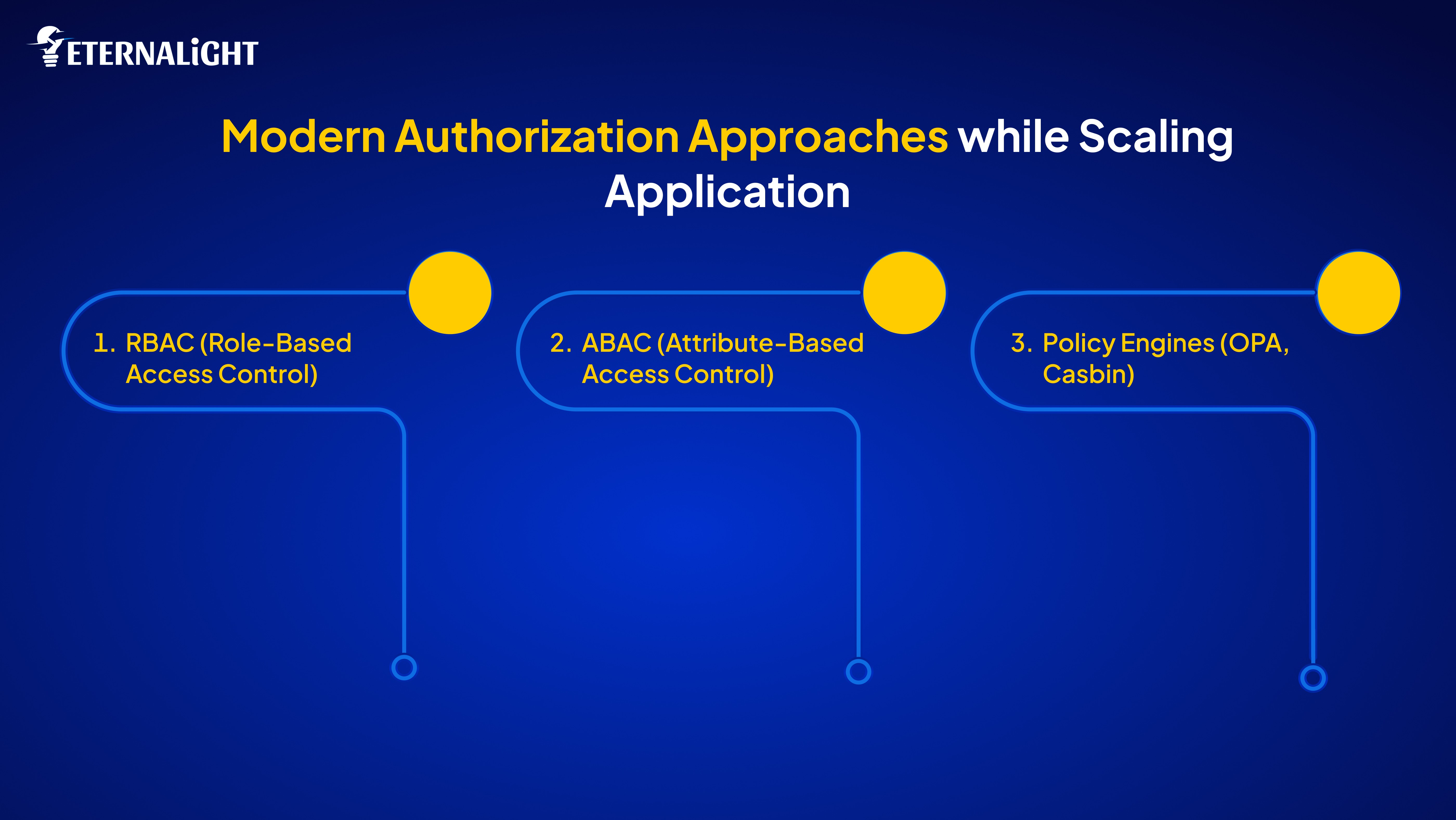
Authentication verifies identity, but the pattern for accessing an application is determined by authorization. Depending on complexity, behaviour, and real-world needs, the development team implements flexible, robust authorization models to simplify application access.
Simple and effective:
Admin
Editor
Viewer
Map roles → permissions.
80% of applications are developed with this.
It's a strong and standard one. A rule might look like:
“Allow access if user.department == document.department AND request happens between 9 AM – 6 PM.”
Useful for:
Enterprises
Multi-department systems
Compliance-heavy products
Your authorization logic moves out of code into a policy file.
Why this matters:
Easier audits
Faster changes
Cleaner application logic
Great for microservices and Zero Trust environments.
If you think protocols are the only essential thing to make secure access control, you’re mistaken. Instead, you should also pay attention to architectural patterns that remain robust, rapid, and scannable even as they evolve or scale further.
Let one service handle:
Login
Tokens
Identity management
Your other services simply verify tokens.
Cleaner design. Better security.
Gateways act as bouncers:
Validate tokens
Enforce basic authorization
Throttle requests
Your backend stays lightweight and focused.
For traditional web apps:
HttpOnly + Secure cookies
CSRF protection
Redis-backed sessions
Auto-expiry and refresh tokens
Done right, sessions feel invisible to users.
Each application and system is different, and it comes from experience in determining the right combination. When a system application scales, it has different requirements and development needs that must be understood. Here are some of the best approaches we have implemented in real-life projects.
Read below:
Frontend stores JWT (preferably in HttpOnly cookies)
Backend middleware checks token + role
Simple and scalable
Auth0, Okta, AWS Cognito, Azure AD
Ideal for enterprise products or customer apps needing social login
Verify everything
Assume nothing is safe by default
Policies enforce exactly “who can do what” at every hop
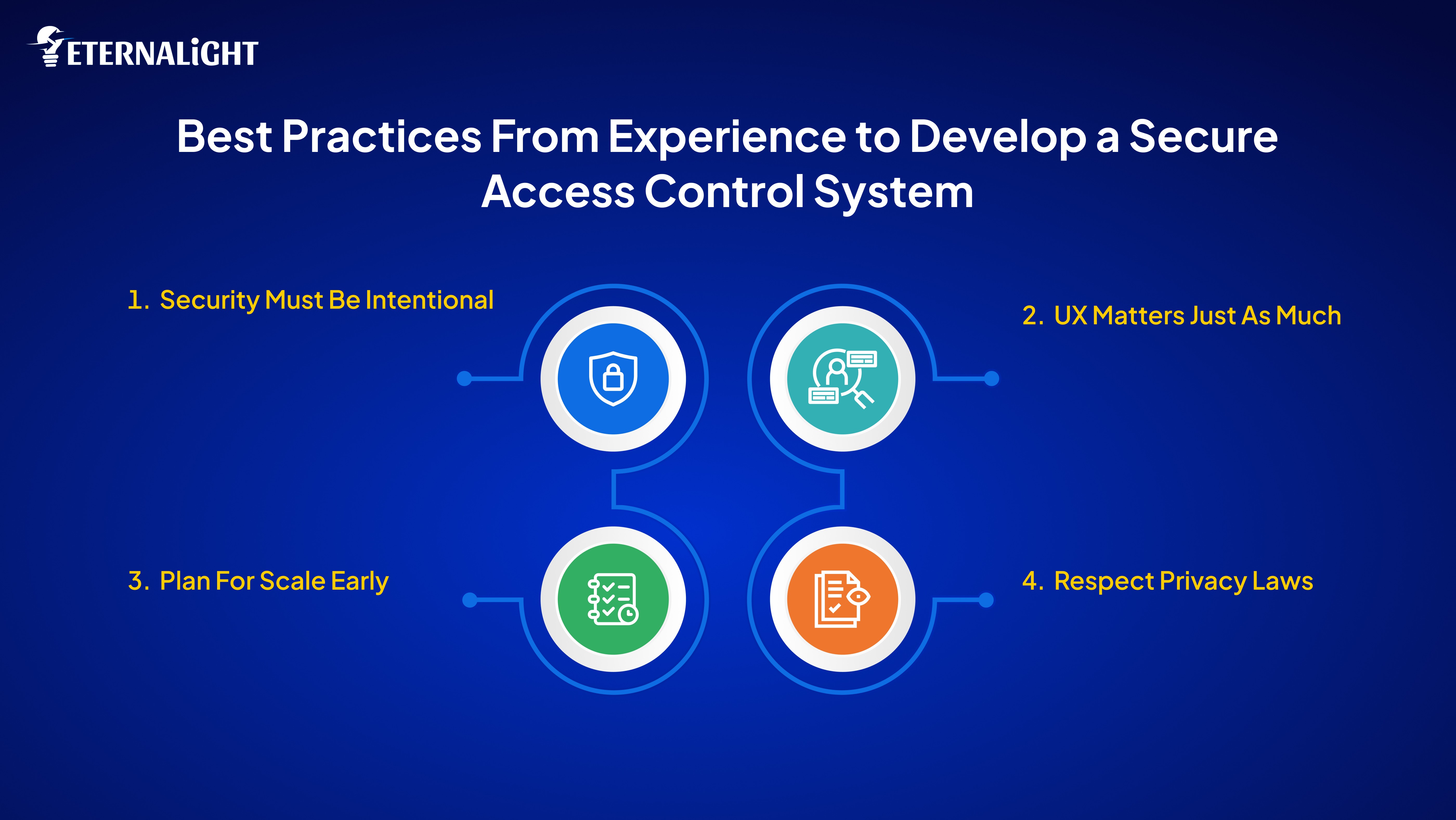
You must use tools and frameworks to implement secure access control, maintain consistency, and optimize the user experience. However, this fold outlines best practices for creating scalable authentication and authorization systems.
Hash passwords (bcrypt / Argon2)
Rate-limit login attempts
HTTPS everywhere
Rotate secrets
Log everything authentication-related
Add “Remember me” safely
Build a smooth account recovery flow
Don’t punish users for security
Offer social login where appropriate
Prefer stateless flows
Cache permission checks
Use refresh tokens wisely
GDPR, CCPA, SOC2—they all require:
Consent management
Data deletion
Audit logs
Exportable user info
Authentication and authorization aren’t “set it and forget it” features. As your product evolves, these systems need to grow with it.
Start simple:
Strong password handling
Clear token authentication
Clean role-based permissions
As you scale:
Move toward ABAC or policy-based models
Introduce MFA
Adopt centralized identity services
The goal is always the same:
Strong security, minimal friction.
Security shouldn’t feel like a burden.
Users shouldn’t even notice it when done right.
Build auth systems you’d trust with your own data because your users already do.

Shubham Rajput
(Author)
Senior Software Developer
Contact us
Send us a message, and we'll promptly discuss your project with you.