In development, teams often need to add a new feature right away but worry about changing the existing system. In coding, we say, if the code is working, leave it alone; don’t make changes that could invite 100 other errors from a small tweak.
So, for safety, developers explore the codebase, identify the root issue, and find a solution, but do you think in this digitally driven world, with tools and AI agents, developers will do it annually?
Of course not.
Tools like Codex and Claude Code help developers with these time-consuming tasks. Since Codex and Claude Code can both handle development tasks, choosing between them becomes a task too. In this blog, we figure out which is better: Codex or Claude Code.
Codex vs Claude Code: Key Differences
Codex and Claude Code were both developed to achieve similar goals and streamline development tasks, providing the necessary assistance to troubleshoot issues. But first, developers need to explore both tools to understand what they can do and what makes each stand out in different situations. So let's get started.
Claude Code Working Mechanism
We know we can access Claude Code everywhere, but do you know how it works behind the scenes?
So, let's understand the loop. Basically, there are three phases: the tool collects information and understands its real meaning, then takes action, and finally generates the result. But Claude Code can’t do it alone without connecting other tools and integrations.
While the agent is in action, a human can still interrupt. They can pause, edit at any time if there's a different approach or context. The tool keeps the previous context and proceeds with a different input while your ongoing task is active.
So mainly, there are two components: models and tools, and Claude stays around the model to provide the context.
Model:
It tries to understand what needs to be done with tools and what the code is. Claude knows how to connect with tools and understand different languages and context; if a task is complex, it breaks it into smaller tasks.
Tools:
If you want output in multiple formats beyond text, we need to connect tools, and that is when the true agentic AI concept comes through.
Each tool serves a different purpose, from CRUD file operations to searching by identifying patterns, understanding behaviors, and exploring the core of the codebase. The tools help manage server operations, run test cases, and execute shell commands. It also uses intelligence to find errors and bugs and refers to documentation and references.
Difference Between Claude Code and Codex
Claude Code is an assistant that can act on your behalf across the terminal, IDE, desktop, GitHub, and browser. This tool can autonomously read code and modify files. It can launch functionality to perform tasks, troubleshoot bugs, and connect to the tools from the MCP server.
Execution
You can launch Claude Code on your developer system, alongside your internal services and integrations on the available network. Access cloud drives and remote environments with available tools, project files, and commands.
Codex can run in a local or cloud-based workflow with configured repositories, dependencies, and other network access.
Integration
Hooks, plugins, and more integrations are accessible in Claude Code. So whenever an agent needs to take action, these hooks play a major role.
Codex enables plugins, external service connections, and other things for reusable workflows.
When choosing between Claude Code and Codex, developers should check the latest website updates for a real comparison.
Auto Mode by default
If you have multiple tasks, Claude Code enables Auto Mode, which lets it keep working throughout each plan.
Accessibility of Different Surfaces
Users have a range of options for using Claude Code. It's a versatile coding assistant, so you can use it in the terminal, VS Code, iOS, macOS, Android, Google Chrome, GitHub, Slack, JetBrains, and more.
Project Instructions and Context Management
Claude can do many things for the project, like exploring and fetching documentation from your terminal. Run commands to access package managers, git, build tools, system utilities, and scripts. It can check git state and explore history.
There's a CLAUDE.md file where the developers can keep instructions, conventions, and context for every session. Agents can also read the agent.md file if you create one, so they can get specific project details.
Codex does have the AGENTS.md. An agent.md file keeps project context and information, including coding standards, commands, repository-specific guidance, and other conventions agents can follow during the workflow.
Code Review
Claude Code helps you fix mistakes before they impact production and avoid release delays. You can get notifications in connected apps.
Codex can scan all commits and unpublished changes and better distinguish them from the base branch. Developers can also review and validate all findings in the report and view the working tree in pull requests.
Session and Context Window
Not just the task, but context matters: if the tools can’t remember the situation or history, how will they process and provide relevant responses in the future?
Codex can save previous chats and resume the workflow in a CLI session. Whether in a cloud or desktop session, task management will remain active.
Claude Code has an additional capability beyond managing tasks through sessions and context; it can shorten them when needed. So the information retains its exact meaning, but the instruction or word count may be clipped.
Permission and Security Controls
Some actions, files, and data need to be hidden and require human approval to access.
In Claude Code, developers can set up rules and permission modes to limit what a main user can do, which commands other users can run, which tools can be used, and who can make major changes under the policies.
When accessing Codex, sandboxing and other controls are also enabled. Developers can apply permissions for command execution, file access, and other operations.
Pricing
Anyone can drive the project as an individual or an enterprise-level team, with agentic AI support from Claude Code on web and mobile. They get slides, docs, code review, role-based access, data controls, analytics to review usage and ROI, and API access.
Individuals can start coding with precision by accessing the Pro and Max plan versions.
With any ChatGPT plan, you can access Codex with the respective limits. It's possible to extend the limit on a valid subscription and customize the settings.
When choosing between Codex and Claude Code, check API costs, credits, usage limits, and model access. Visit the official website, as details change over time.
Which Is Better for Different Coding Tasks?
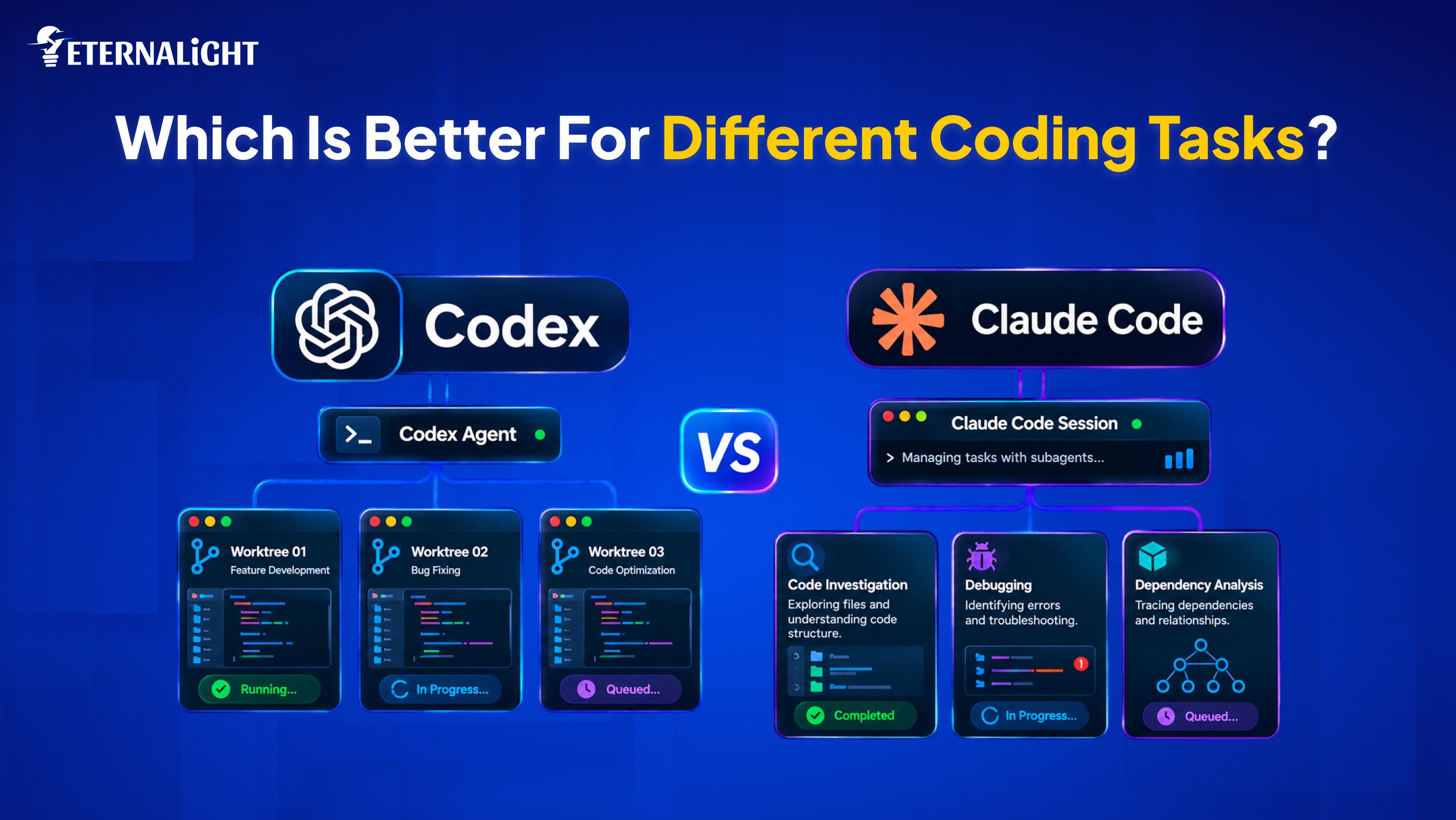
If there are multiple tasks and developers want to access and run them in Git worktrees. Claude Code is more focused, with subagents managing development and investigations.
Codex and Claude Code both have access to repositories and other implementations. Codex stays on top of OpenAI's local and cloud workflow environment. Claude can run independently across a range of options
If multiple distinct tasks need to be executed by different agents without accessing the same repository, Codex can do that.
In Claude Code, developers can create subagents to manage dedicated tasks through a separate module, trace dependencies, bugs, and failures. Each subagent has the relevant task information and can access the main session context.
How to Choose Between Codex and Claude Code?
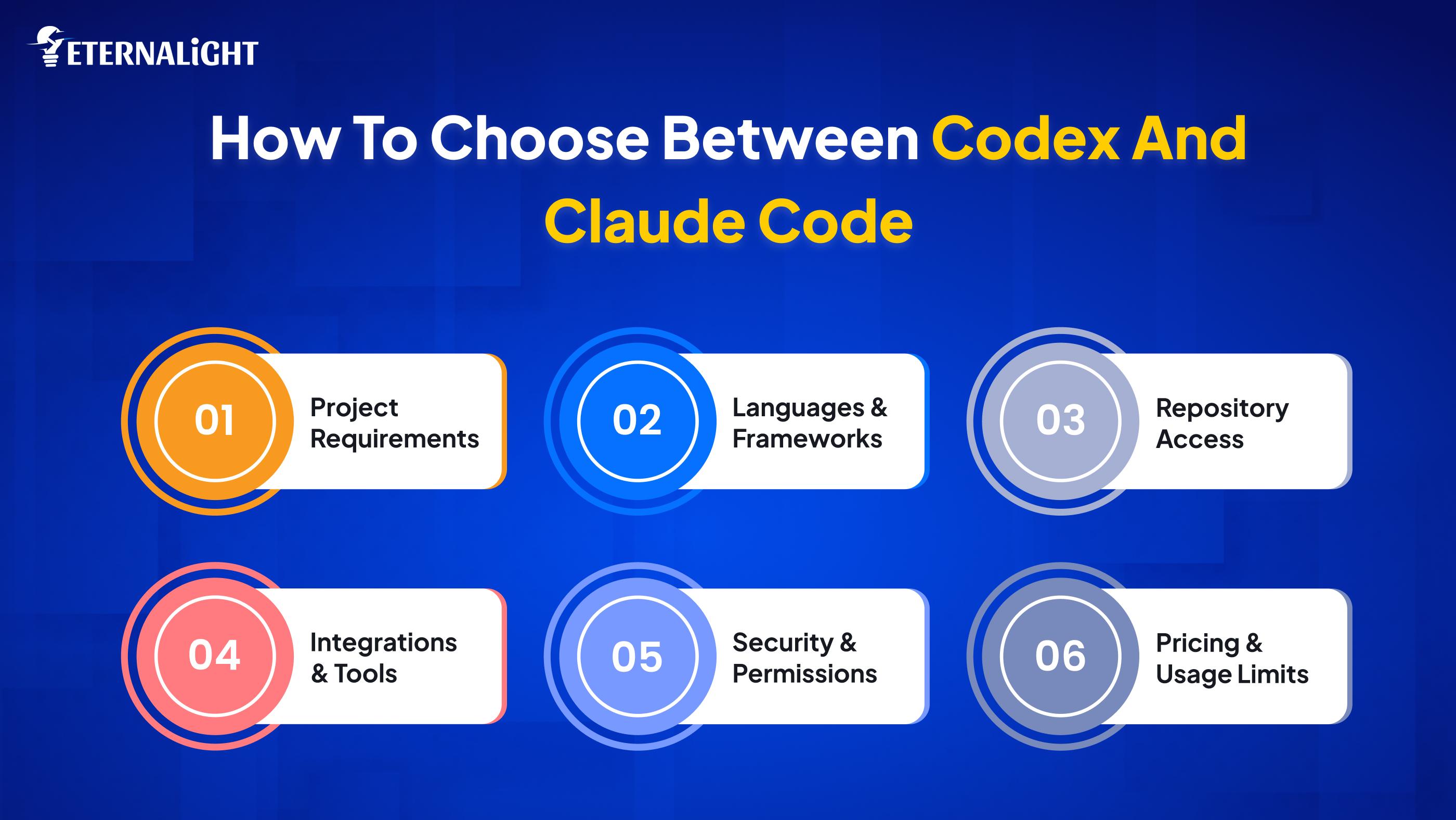
At every stage of software development, Codex and Claude Code act differently. However, we can’t say one defeats the other or is better. The project's needs and your strategy matter most when making decisions.
Before finalizing one, look for the preferred programming language, framework, dependencies, and development tools for your specific task.
If you have multiple team members, check how they can access the project, manage permissions, and follow instructions and configuration, while keeping everything shareable.
Developers can review the tasks and collaborate with agents.
Check repository access, command execution, data handling, network access, and control.
Look for subscriptions and models. Sausage lint for enterprise-level task execution.
Final Verdict
Codex and Claude Code are both AI-driven tools that help developers complete projects on time. They offer suggestions for writing code, making modifications, finding bugs, and troubleshooting.
The debate never ends when we compare the two, but the real difference comes down to features, usage limits, budget, and development environment. It’s easy to switch between Claude Code and Codex, depending on what you need. If the project has multiple agents to perform tasks independently and in separate Git repositories and workstreams, Codex fits. On the flip side, you can use Claude Code if development is terminal-led, with tool integration breaking complex tasks into smaller ones with sub-agents.
Codex vs Claude Code isn’t just about code output; it's about reliability and rapid iteration, which aligns with the project requirements.

Ayushi Shrivastava
Senior Content Writer
Ayushi is a Content Strategist at Eternalight Infotech with 4 years of experience in transforming complex ideas into clear, engaging, and SEO optimized narratives. She specializes in crafting impactful content strategies that enhance brand visibility and drive meaningful engagement across digital platforms.
Related Blogs
- AI & ML8 Mins
From Inventory Chaos to Intelligent AI-Powered Automation
See how agentic AI and automation help businesses manage stock, prevent inventory errors, automate orders, and handle real-world inventory challenges.
- AI & ML6 Mins
Agentic AI Prompting: How to Guide AI Agents Effectively
Learn how to write effective prompts for agentic AI systems with clear goals, tool instructions, failure handling, permission limits, and result validation.
- AI & ML10 Mins
Leading AI Development Companies in the USA for 2026
Searching for an AI development company in the USA? Discover 10 companies offering AI development, GenAI, AI integration, and custom solutions.