Choosing the right frontend framework is no longer just a technical choice - it directly impacts performance, scalability, and user experience. For modern web applications, the wrong decision can increase long-term development costs.
The debate around ReactJS vs VueJS has gained significant attention, as both are widely used for building single-page applications (SPAs) and dynamic user interfaces. However, their adoption trends and development approaches differ.
React leads the ecosystem with over 44.7% of professional software developers as of 2026, making it a strong choice for large-scale and enterprise applications. Vue, with around 15-18% adoption, continues to grow steadily, especially among startups and smaller teams.
Both frameworks support virtual DOM, component-based architecture, and efficient UI updates. Still, differences in ecosystem size, flexibility, and built-in features play a key role in decision-making.
In this blog, we’ll break down the react vs vue comparison from a practical perspective to help you choose the right framework for business applications in 2026.
What is ReactJS?
RecatJS is a popular JavaScript library used for building user interfaces, especially for single-page applications. Facebook developed it and is widely adopted by companies looking to build scalable and high-performance applications.
The reactjs framework is component-based, which means developers can create reusable UI components. This not only speeds up development but also ensures consistency across the application.
React focuses on flexibility. It doesn’t force a strict structure, which gives developers the freedom to choose libraries and tools based on project needs.
If you’re planning to build a scalable product, many businesses prefer to hire ReactJS Developers or work with a ReactJS development company to ensure best practices are followed from the beginning.
To handle real-world performance challenges, it’s important to focus on React performance optimization techniques that improve speed and prevent common issues in production.
Pros and Cons of ReactJS
Pros | Cons |
Highly flexible, and allows developers to choose tools as per project needs | Can be overwhelming for beginners due to a lack of structure |
Strong ecosystem with a wide range of third-party libraries | Requires additional libraries for routing and state management |
Component-based architecture ensures reusable and maintainable code | Frequent updates can make it hard to keep up |
Backed by a large community and strong industry adoption | Initial setup can be complex for new developers |
Ideal for building scalable and enterprise-level applications | Documentation can feel scattered compared to Vue |
What is VueJS?
VueJS is a progressive JavaScript framework used for building user interfaces and single-page applications. Unlike React, Vue is designed to be more approachable and easier to integrate into projects.
The vuejs framework offers a balanced approach by combining the best features of Angular and React. It provides built-in tools for routing and state management, which makes development smoother and more organized.
Vue is often preferred by startups and small teams because it allows faster development with less complexity. Many businesses choose to work with a VueJS development company to quickly build and launch applications.
Pros and Cons of VueJS
Pros | Cons |
Easy to learn with simple and clean syntax | Smaller ecosystem compared to React |
Comes with built-in tools like routing and state management | Limited availability of highly experienced developers |
Well-structured documentation for quick understanding | Less adoption in large enterprise-level applications |
Faster development process, especially for small teams | Flexibility is slightly limited compared to React |
Great performance for small to medium-sized applications | Community size is growing, but still smaller than React |
React vs Vue: An In-Depth Comparison
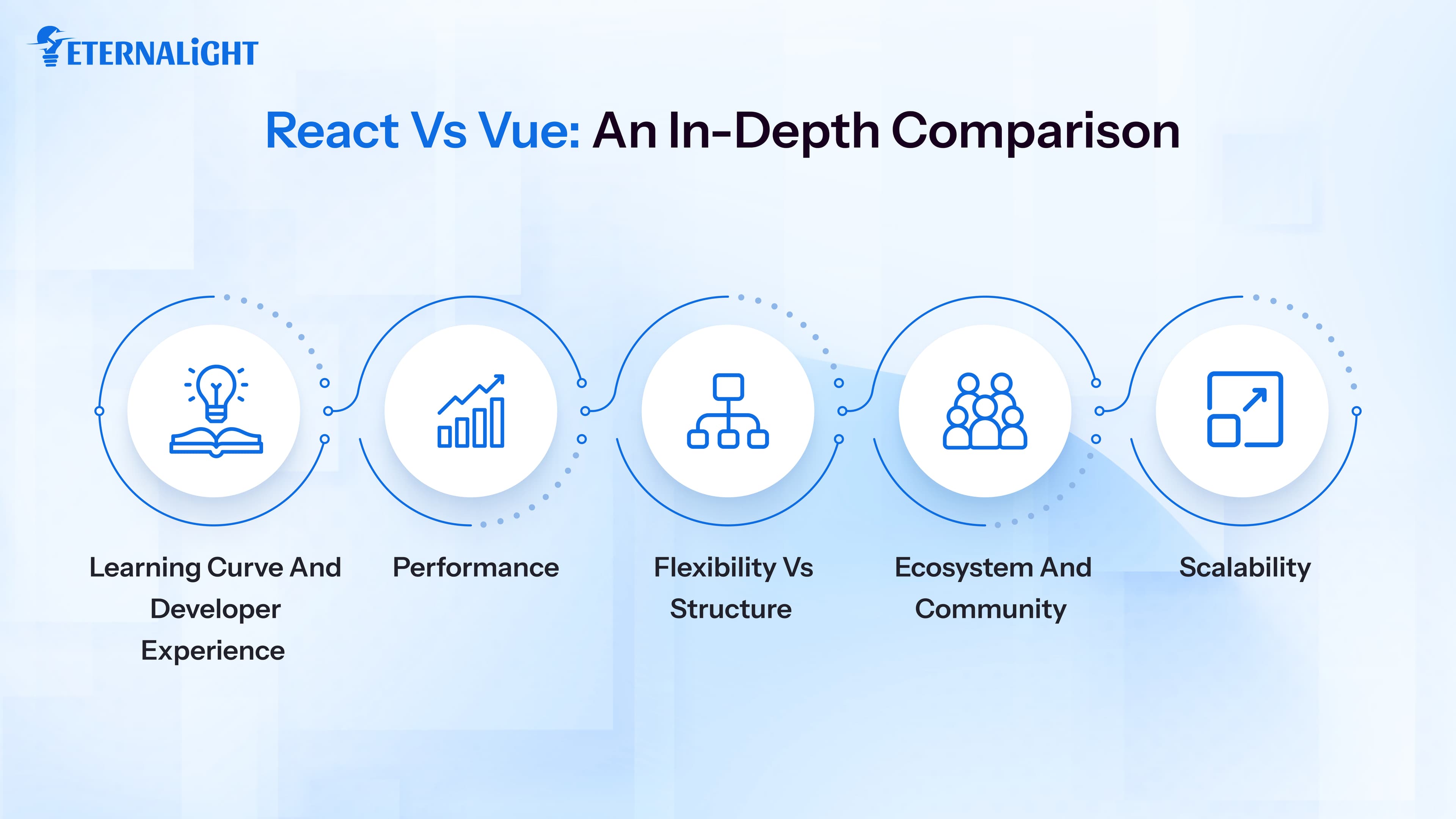
When we talk about vue vs react comparison, it’s important to look beyond surface-level differences. Let’s explore key factors that matter for businesses.
Learning Curve and Developer Experience
If you’re just getting started or working with a small team, Vue feels easier to pick up. The syntax is clean, and things are structured in a way that just makes sense. You don’t spend too much time figuring out “how things work.”
On the other hand, React has a bit of a learning curve. It expects you to be comfortable with modern JavaScript. Concepts like hooks or state management can take time to fully understand. But once you get the hang of it, React gives you a lot of control.
To make things a bit more practical, here is a simple example of how both frameworks handle the same counter functionality.
React Example:
import React, { useState } from "react";
function Counter() {
  const [count, setCount] = useState(0);
  return (
    <div>
      <p>You clicked {count} times</p>
      <button onClick={() => setCount(count + 1)}>
        Click Me
      </button>
    </div>
  );
}
export default Counter;
Vue Example:
<template>
  <div>
    <p>You clicked {{ count }} times</p>
    <button @click="count++">Click Me</button>
  </div>
</template>


<script>
export default {
  data() {
    return {
      count: 0
    };
  }
};
</script>
Performance
A lot of comparisons highlight performance, but honestly, in most real projects, the difference isn’t noticeable. Both frameworks are fast and optimized.
React uses a virtual DOM, while Vue relies on its reactivity system. From a business point of view, what really matters is how well your app is built - not just that the frameworks are fast and optimized.
Flexibility vs Structure
This is where things start to feel different.
React is flexible. You can build things your way, choose your own tools, and design your own structure. That’s great for complex projects, but it can also lead to inconsistency if the team isn’t experienced.
Vue feels more guided. It gives you a clear structure, which makes development smoother, especially when multiple developers are involved. You spend less time making decisions and more time building.
Ecosystem and Community
React has been around longer in the mainstream and has a massive ecosystem. Whatever problem you ran into, chances are someone has already solved it.
Vue’s ecosystem is smaller, but it’s growing fast. One thing people really appreciate about Vue is its documentation - it’s simple, clear, and actually helpful.
Scalability
If you’re building something that’s going to grow big over time, React often feels like a safer bet. It handles complexity well and gives you the flexibility to scale without hitting too many limitations.
Vue can also scale, but it usually needs a bit more planning as your application becomes more complex.
ReactJS vs VueJS for Business Applications
From a business perspective, the react vs vue decision isn’t just about features - it’s about what fits your goals, timeline, and team.
ReactJS for Business Applications
React is often the go-to choice for companies building large, long-term products. If your application is expected to grow, handle a lot of users, or include complex features, React gives you the flexibility to manage all of that.
One big advantage is its ecosystem. You’re not limited - you can integrate almost anything you need. This is especially useful for products like SaaS platforms, dashboards, or enterprise tools.
Another practical benefit is hiring. Since React is widely used, finding skilled developers or working with a ReactJS development company is usually easier.
For long-term projects, teams often need to explore modernizing React applications to keep the codebase scalable and maintainable over time.
React also works well when multiple teams are involved. Different developers can work on separate components without stepping on each other’s work, which helps speed things up.
To make this more practical, here’s a simple example of how a React-based dashboard component might be structured in a business application:
import React from "react";

function Dashboard() {
  return (
    <div>
      <h2>Business Dashboard</h2>
      <UserStats />
      <RecentActivities />
      <Notifications />
    </div>
  );
}

function UserStats() {
  return <p>User statistics data</p>;
}

function RecentActivities() {
  return <p>Recent user activities</p>;
}

function Notifications() {
  return <p>System notifications</p>;
}
export default Dashboard;
This kind of modular structure makes it easier for teams to work on different parts of the application independently, which is especially useful in large-scale projects.
VueJS for Business Applications
Vue tends to shine in situations where speed and simplicity matter.
If you’re a startup trying to launch quickly, Vue can help you move faster. It doesn’t require a lot of setup, and many features are already built in, which saves time.
It’s also a good choice if your team is small or if not everyone is highly experienced with frontend frameworks. Vue makes onboarding easier, so new developers can start contributing without a long learning phase.
For projects that need quick updates and frequent changes, Vue feels more lightweight and manageable.
That said, if the project becomes very large over time, you may need to put extra effort into structuring things properly.
Here’s a simple example of how a similar dashboard structure looks in Vue:
<template>
  <div>
    <h2>Business Dashboard</h2>
    <UserStats />
    <RecentActivities />
    <Notifications />
  </div>
</template>

<script>
import UserStats from "./UserStats.vue";
import RecentActivities from "./RecentActivities.vue";
import Notifications from "./Notifications.vue";

export default {
  components: {
    UserStats,
    RecentActivities,
    Notifications
  }
};
</script>
Vue’s structure is more guided and readable, which makes it easier for smaller teams to manage and maintain the codebase.
Which Framework To Choose: React or Vue in 2026?
By 2026, both frameworks will have matured quite a bit. The question is no longer “which one is better?” but “which one makes more sense for you?”
Choose React if:
If you’re building something big - a product that’s expected to scale, evolve, and last for years - React is a solid choice. It gives you room to grow without forcing you to change your approach later.
It also works well if your team already has experience with JavaScript and modern tools. You’ll be able to take full advantage of React’s flexibility.
For businesses that don’t want to take risks with long-term scalability, React usually feels like the safer option.
Choose Vue if:
Vue is a great fit when you want faster development and a simpler learning curve.
If you want to launch an MVP quickly, test an idea, or build something without too much complexity, Vue can help you get there faster. It keeps things simple and avoids unnecessary overhead.
It’s also useful if you’re working with a smaller team or integrating a framework into an existing project.
Businesses are also considering hybrid approaches, where Vue is used for smaller modules while React powers the core applications.
ReactJS vs VueJS: Which One is Better?
There is no one-size-fits-all answer to the ReactJS vs VueJS debate. The “better” framework depends on what you’re building and how your team prefers to work.
React is better for enterprises, large applications, and long-term scalability. Vue is better for quick development, smaller teams, and projects with tight deadlines.
The final decision should depend on factors like project complexity, team expertise, budget, and long-term goals.
Conclusion
The react vs vue comparison ultimately comes down to your business requirements.
React offers flexibility, scalability, and a strong ecosystem, making it ideal for complex applications. Vue provides simplicity, faster development, and ease of use, making it perfect for smaller projects.
Instead of asking which framework is better, businesses should ask which framework is better for specific needs.

Kusum Sethiya
Software Engineer
Kusum Sethiya is a Software Engineer at Eternalight Infotech, focused on building clean and intuitive. She enjoys turning ideas into reliable applications using modern technologies like Javascript, React, Node.js , and MongoDB.
Frequently Asked Questions
Vue is generally easier for beginners due to its simple syntax and structured approach. React requires a stronger understanding of JavaScript concepts.
Yes, React has a larger community and ecosystem, which makes it more popular among enterprises and large-scale applications.
Yes, Vue can handle large applications, but it may require additional planning and architecture compared to React.
Both frameworks offer similar performance. The difference is minimal and usually depends on how the application is built.
Startups often prefer Vue because it allows faster development and requires less complexity, helping them launch products quickly.
Related Blogs
 Software Development9 Mins
Why Choose Python for Fintech App Development?
Learn how Python helps fintech businesses build scalable, data-driven applications with powerful support for analytics, AI, APIs, and automation.
- Software Development8 Mins
Is It Time to Build Off the Self vs Custom Software for Your Business?
When should you build custom software? Learn the key signs, costs, limitations, and factors to consider before choosing custom software for your business.
- Software Development11 Mins
Website Security Checklist: What to Check Before It's Too Late
Worried about website security? Use this practical website security checklist to spot common risks and protect your website, data, and users.